
Updated
Curated inspiration sent every Tuesday
Unsubscribe at any time


Under 3MB for a hero, ideally under 1.5MB. That means short — 6 to 10 seconds on a loop — cropped to the area the visitor sees, and compressed hard. Most of the sites here serve 1280px wide, not 1920, because the difference isn’t visible behind text. Use a poster image so the layout is right before the video arrives, and lazy-load any video below the fold.
Yes, but muted, looping and short. Browsers block autoplay with sound anyway. Anything with a voice or a narrative should be click-to-play with a proper poster frame. And give visitors a pause control on anything that runs longer than a loop — motion that never stops is tiring, and some people need it off.
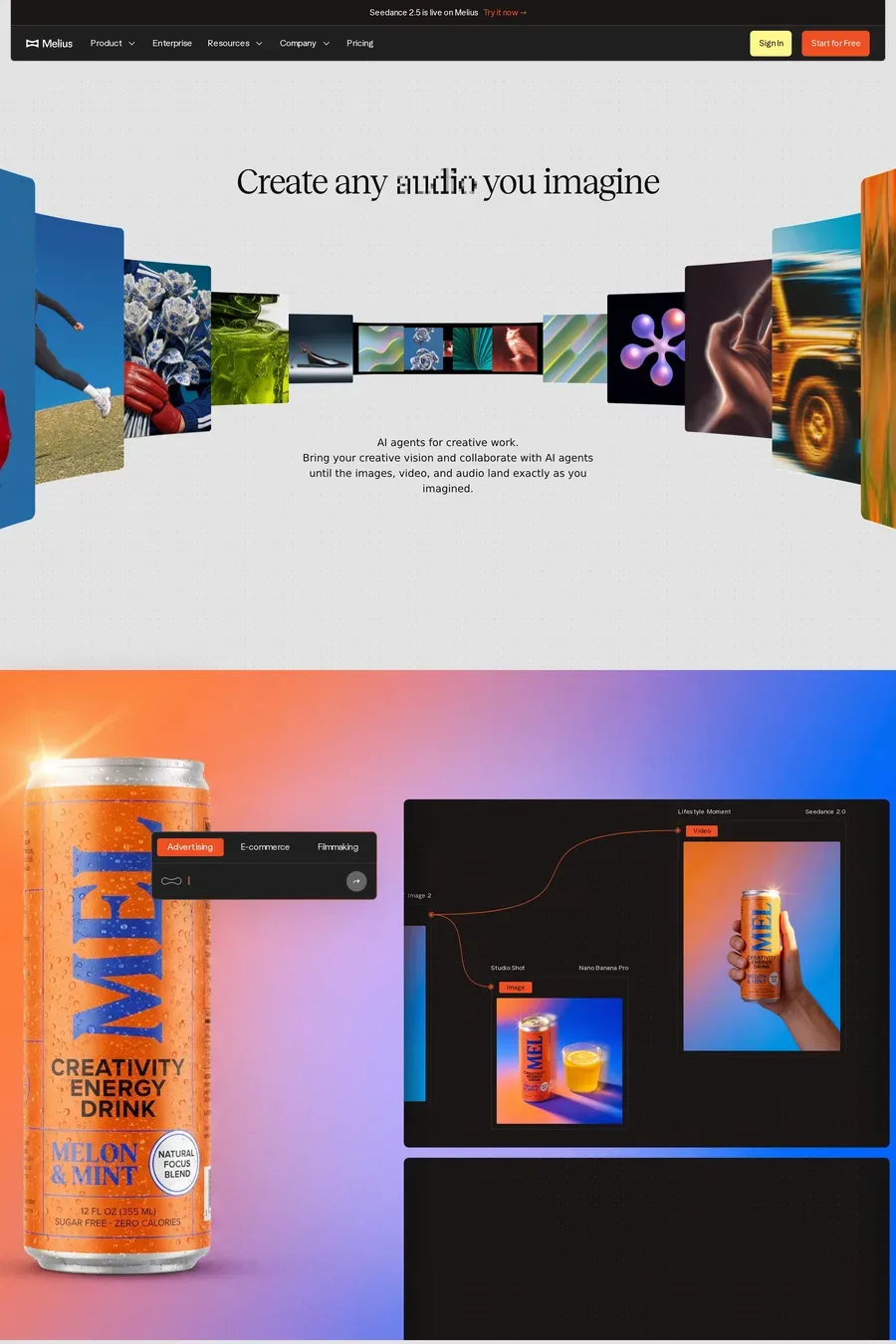
Video, if you can keep it short. A 5-second loop of one interaction — the command palette opening, a chart updating — sells the product better than a static screenshot. But it has to be real. Recorded from the product, cropped tight, no mouse wandering. Look at how the software sites in this collection do it: most loops show one thing and stop.
MP4 with H.264 works everywhere. Add a WebM (VP9 or AV1) source first for browsers that support it — it’s smaller at the same quality. Skip GIFs entirely; a looping MP4 is a tenth of the size. Host on a CDN or a video service like Mux rather than your own server, so it streams instead of downloading.
It can wreck it if you’re careless. A 20MB hero video is the single most common reason a site scores badly on Core Web Vitals. Keep the hero small, poster it, and defer everything else. Use the Network Information API or a data-saver check to skip video on slow connections. The sites here that score well treat video as an enhancement — the page works without it.