
Changelog
Updates, improvements, and fixes to A1
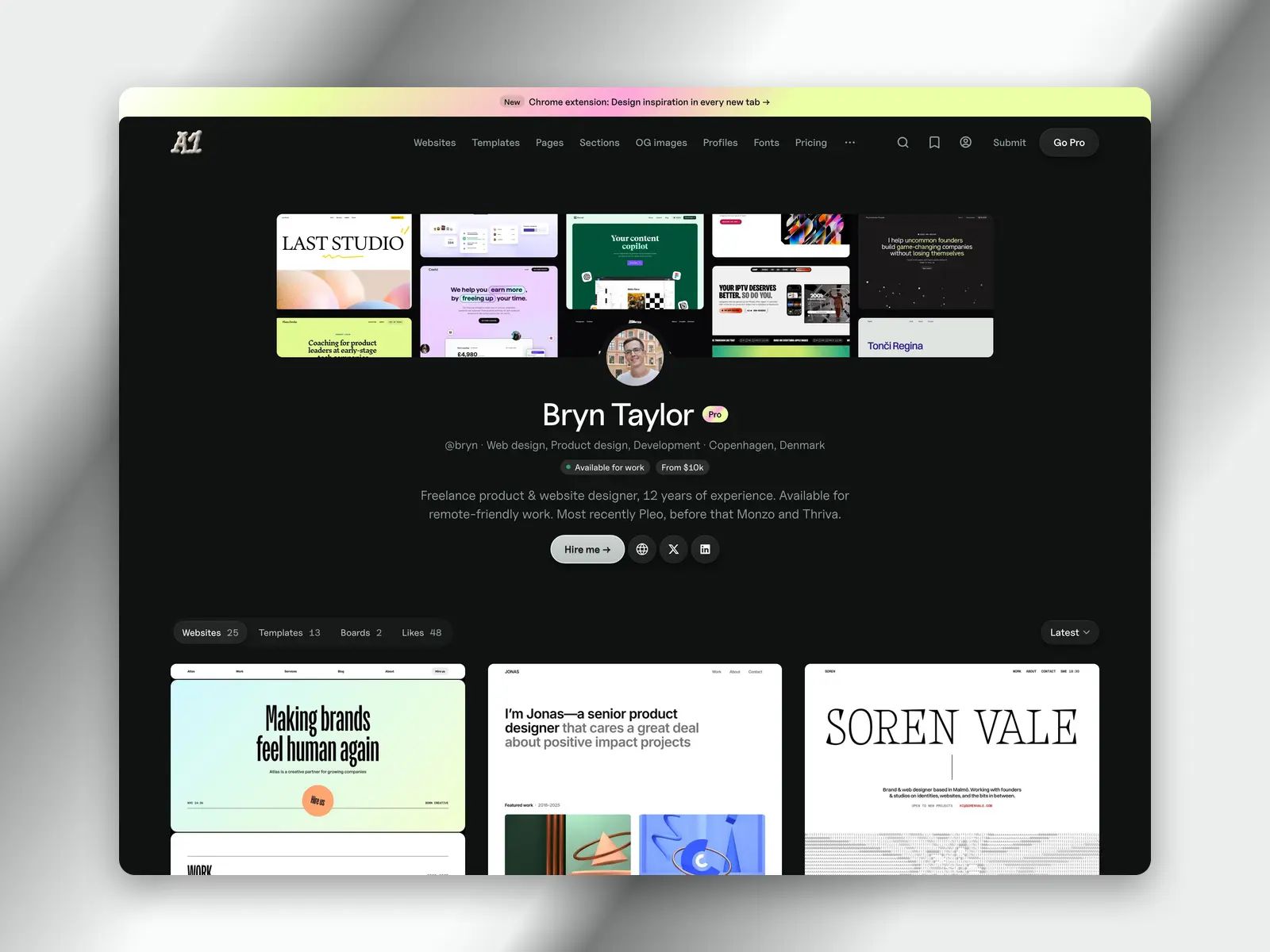
Claim your profile
 Set up your profile →
Every designer, developer and studio credited on A1 has a page. Claim yours and it becomes your profile at a1.gallery/@you — your photo, what you do, where you’re based and a Contact button.
Your websites, templates, public boards and likes sit under one tab bar. On Pro, you pick the order your sites show in — latest, popular, oldest or your own.
Add a credit
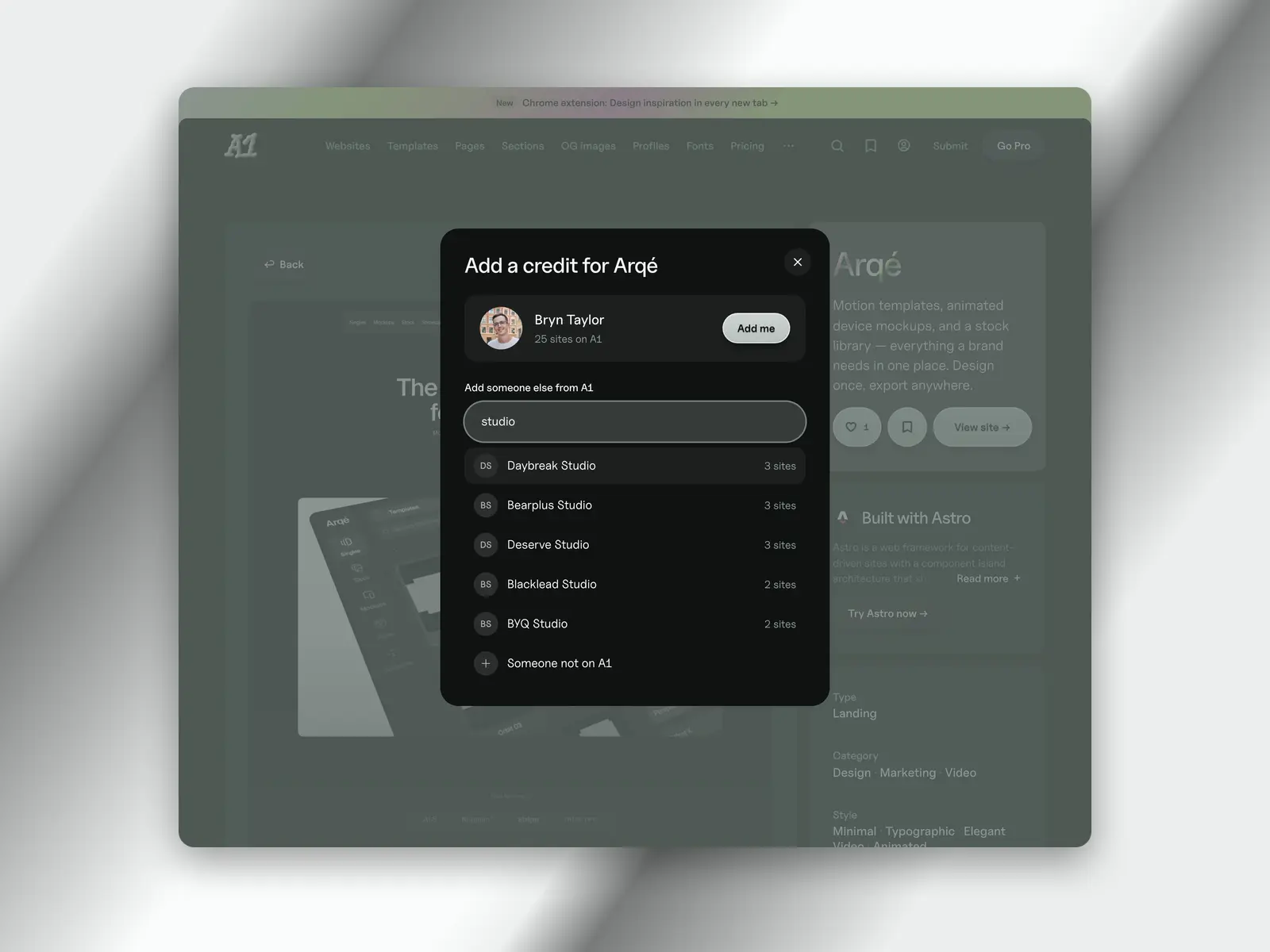
Know who made a site on A1? Press + Add credit next to its creators and search for them. The credit shows straight away.
Made it yourself? Adding your own profile is one click. Someone who isn’t on A1 yet gets checked by hand before they go live.
Analytics for your sites
Pro only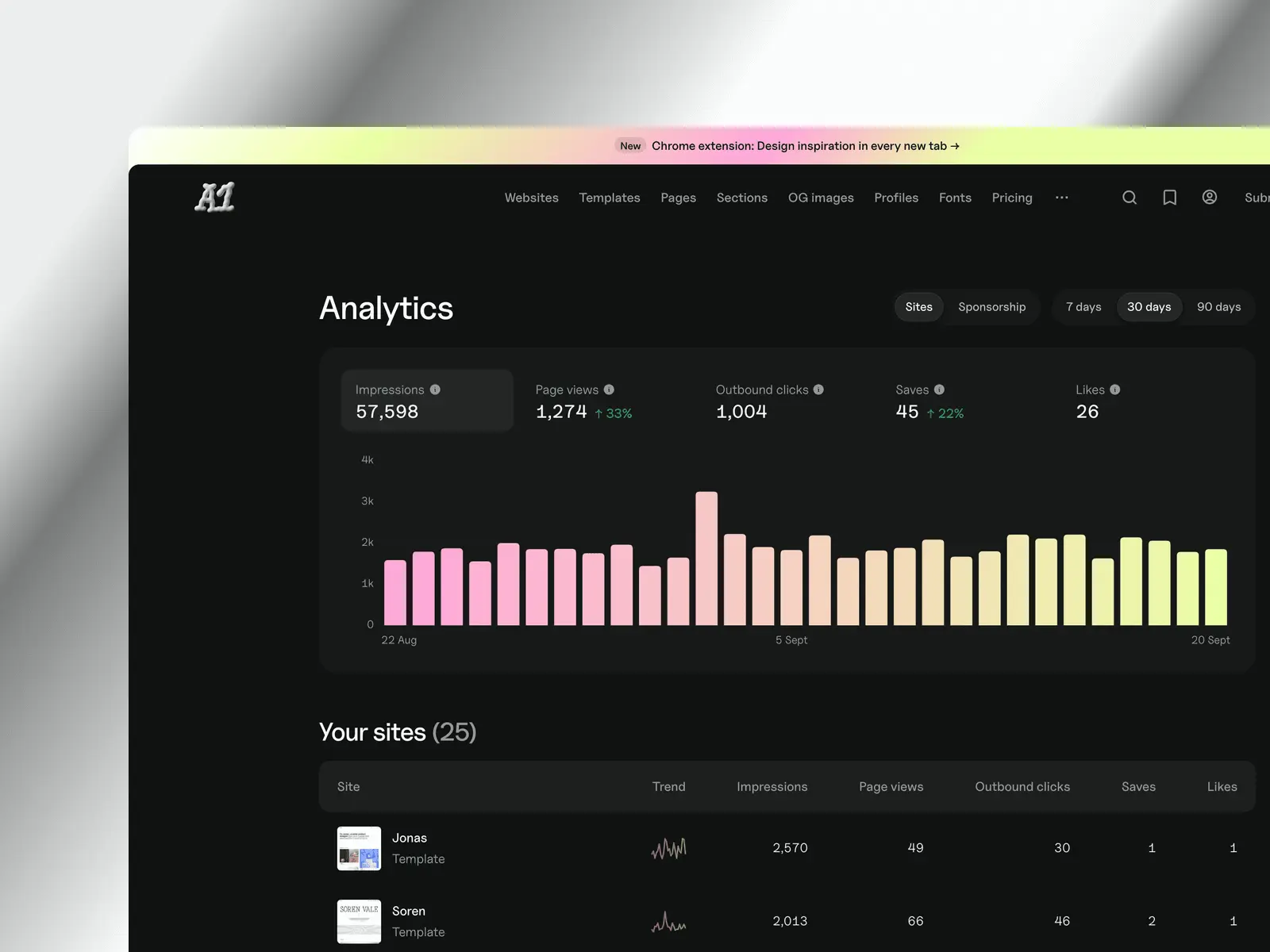 Open analytics →
See how your work performs on A1. View impressions, page views, outbound clicks, saves and likes. Broken down day by day.
You can also see where each site was seen, how people arrived and which page they clicked through from.
Submit a site, and you’ll see the analytics once it’s live.
A1 in every new tab
 Get the extension →
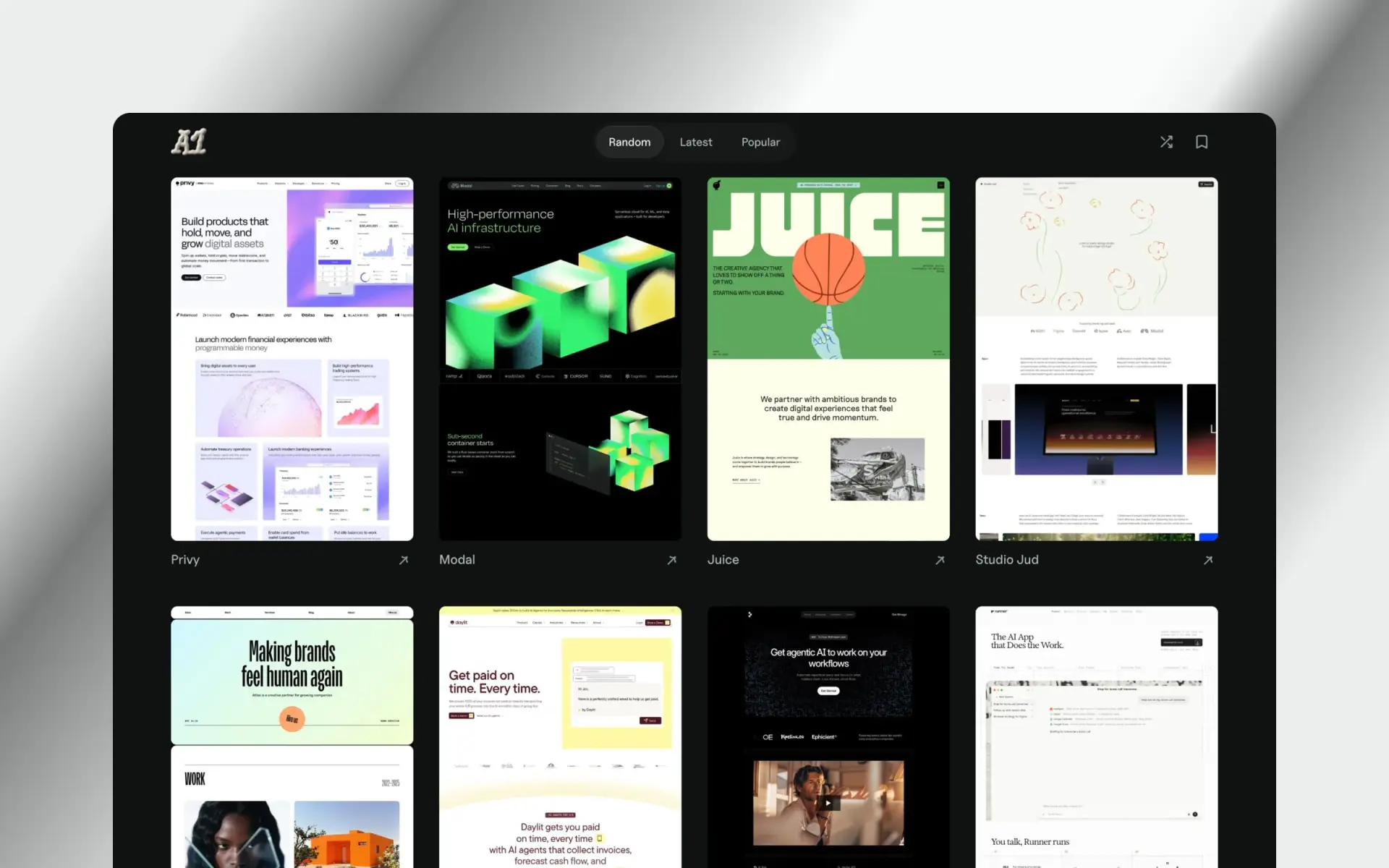
A free Chrome extension that turns every new tab into a grid of inspiration. Three ways to browse: random, latest, and popular.
No account needed and no permissions required.
A faster A1
A performance pass across the whole site. Cards load at the size your screen needs, anonymous pages are cached at the edge, and the JavaScript bundle is smaller. Lighthouse mobile went from 73 to 95; desktop is now 100.
Smarter search
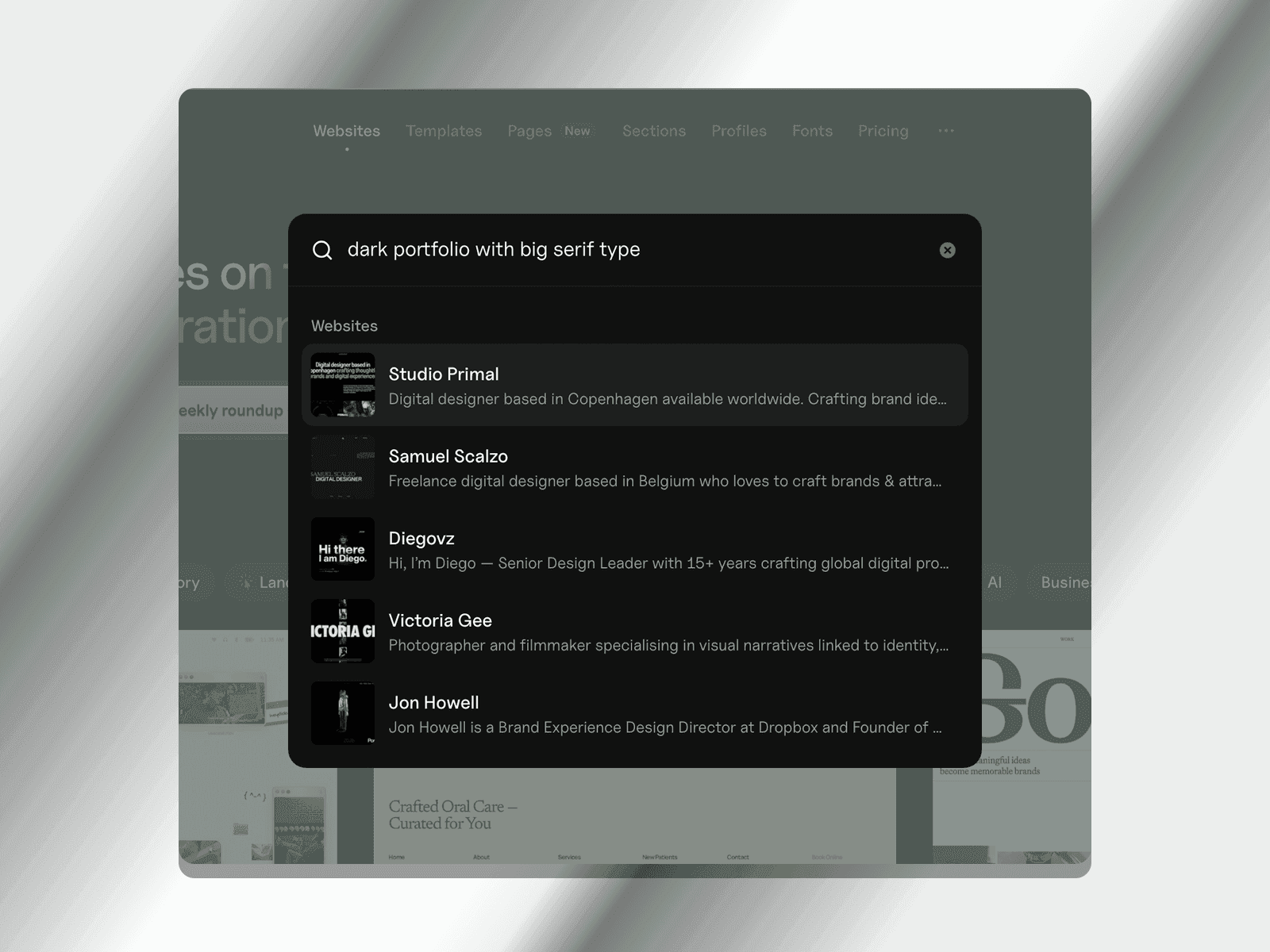
⌘K now corrects typos and understands natural queries like ‘dark portfolio with big serif type’. It also searches the copy on every page, so you can find sites by the words they use.
Browse subpages
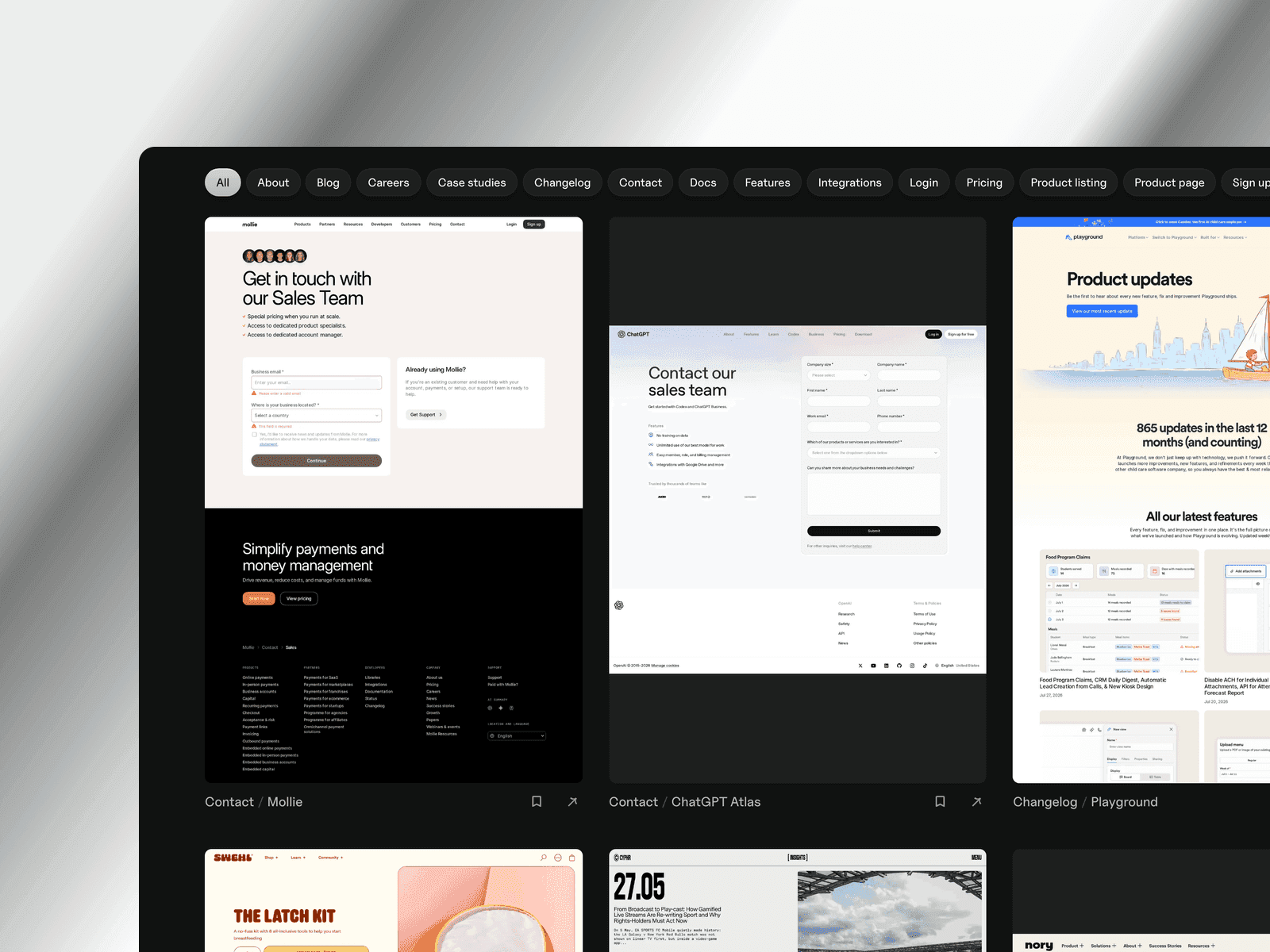 Browse pages →
Design inspiration usually stops at the homepage. Now you can browse the rest: 2,235 pricing, about, careers and changelog pages across 12 types, pulled from 739 sites on A1.
Moodboards in a few clicks
Pro only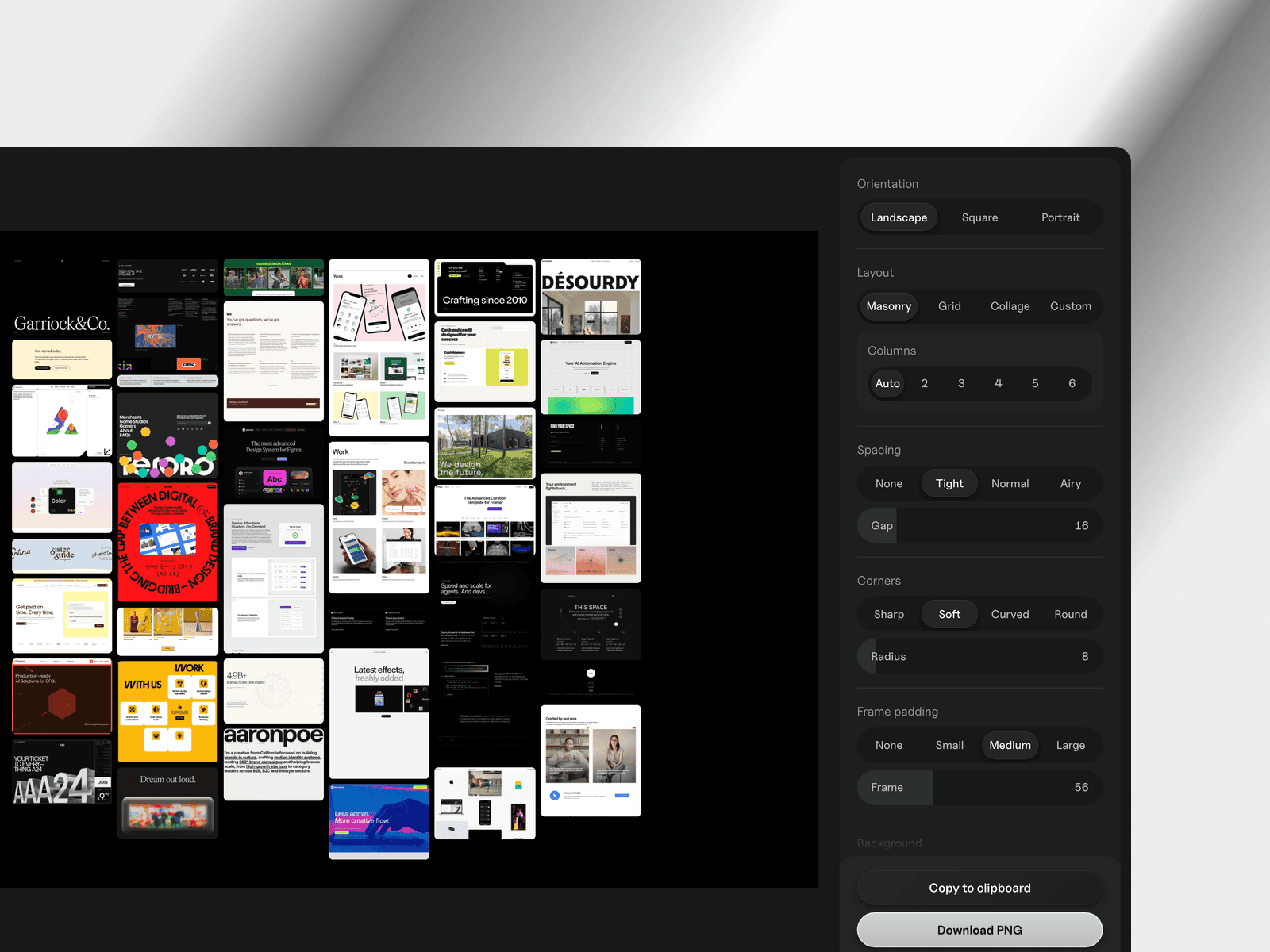 View your boards →
Turn any board into a moodboard and download it as a PNG. Pick masonry, grid or collage, or drag the images into place yourself.
Ad-free browsing
Pro onlyAds are now automatically hidden for Pro users.
Accounts and boards
 See plans →
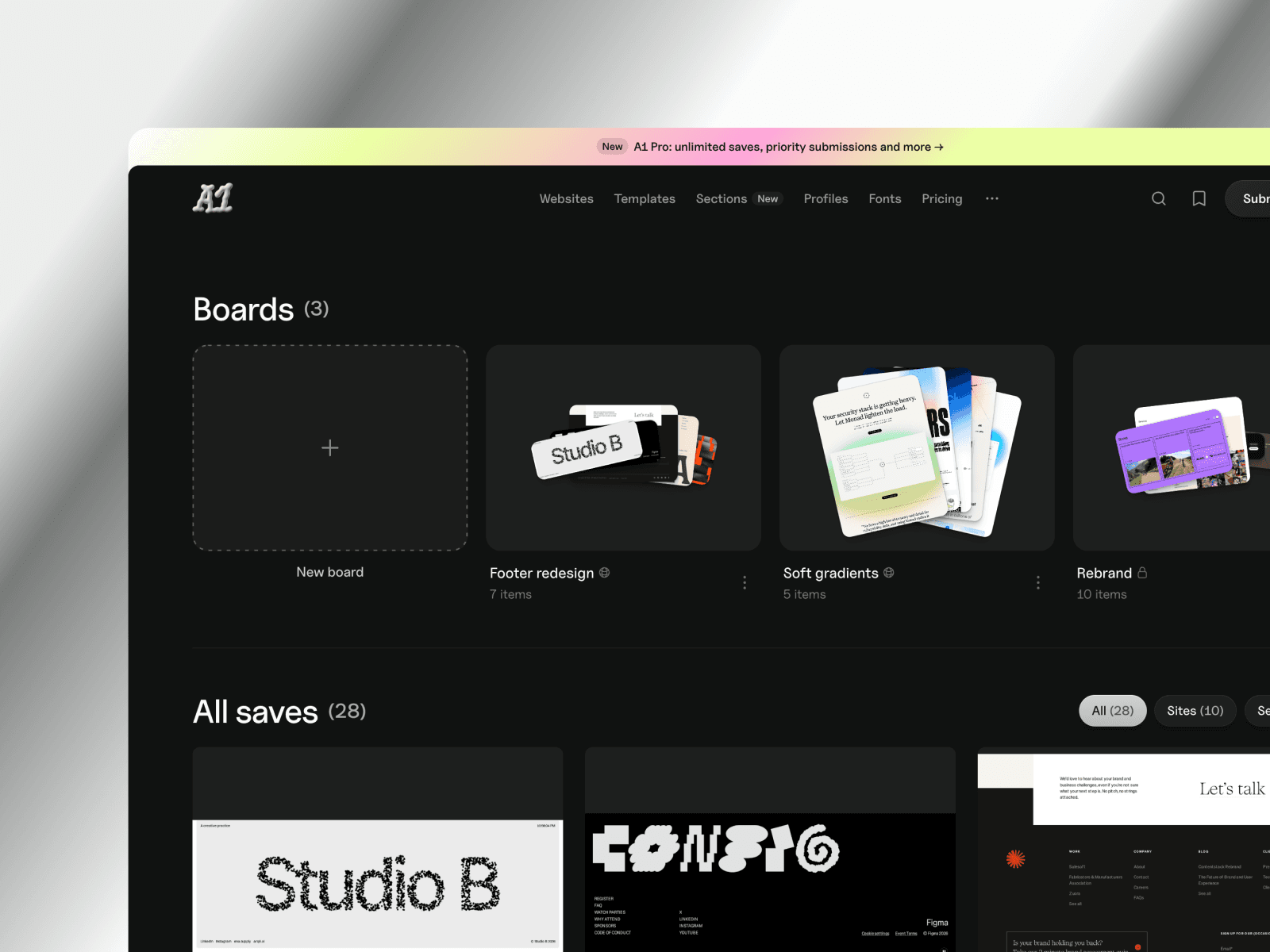
Sign in with a magic link or Google to save sites and sync across devices. Group saves into boards and keep them private or share with a public link. Pro adds unlimited saves and boards, ad-free browsing and higher MCP limits.
Sections
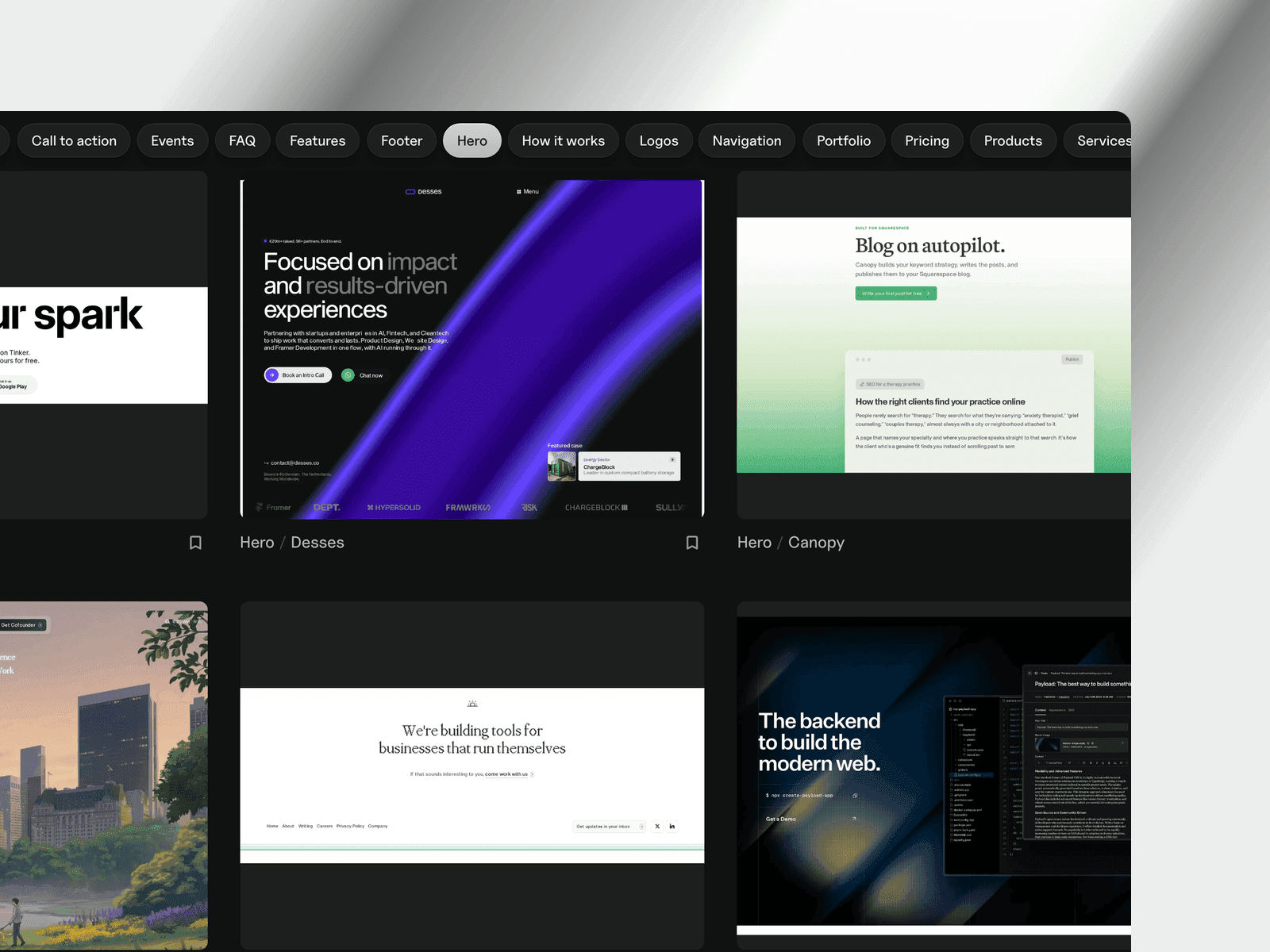 Browse sections →
Browse sites by section: heroes, navigation, pricing tables, footers and more, pulled from real sites.
MCP server
Set up the MCP server →Connect A1 to Claude, Cursor and anything else that speaks MCP. Search the gallery, pull screenshots and look up fonts without leaving your editor.
Font pairings
Browse font pairings →Fonts that work together, taken from sites already in the gallery. Each pairing shows where it's used so you can see it in context.
Collections
Browse collections →Every style paired with every site type, as its own page. Minimal landing pages, dark portfolios, brutalist agency sites — narrower than a filter, quicker than scrolling.
Search
Search the whole gallery with ⌘K: sites, templates, creators, fonts, and every style, category and technology.