
Curated inspiration sent every Tuesday
Unsubscribe at any time
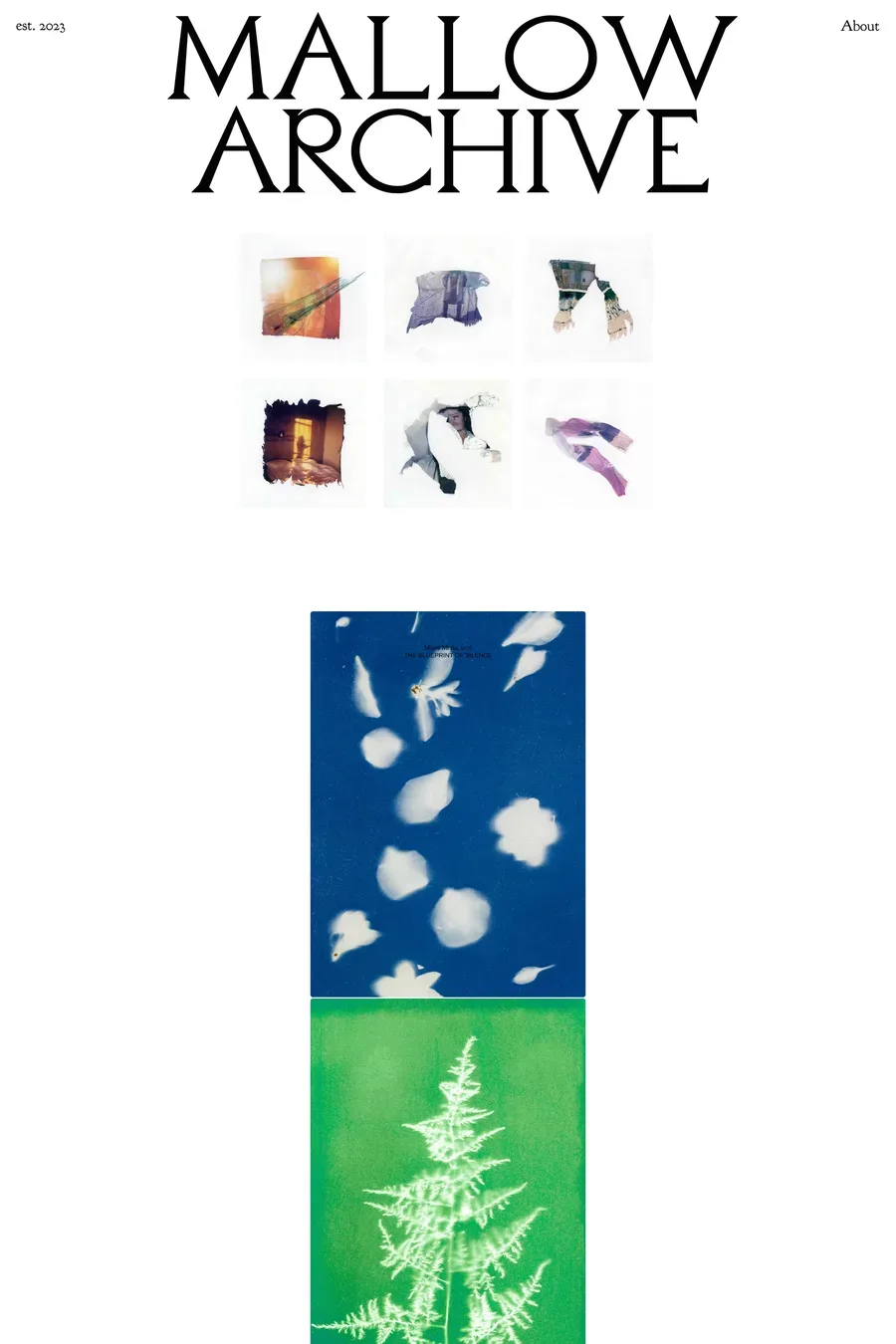
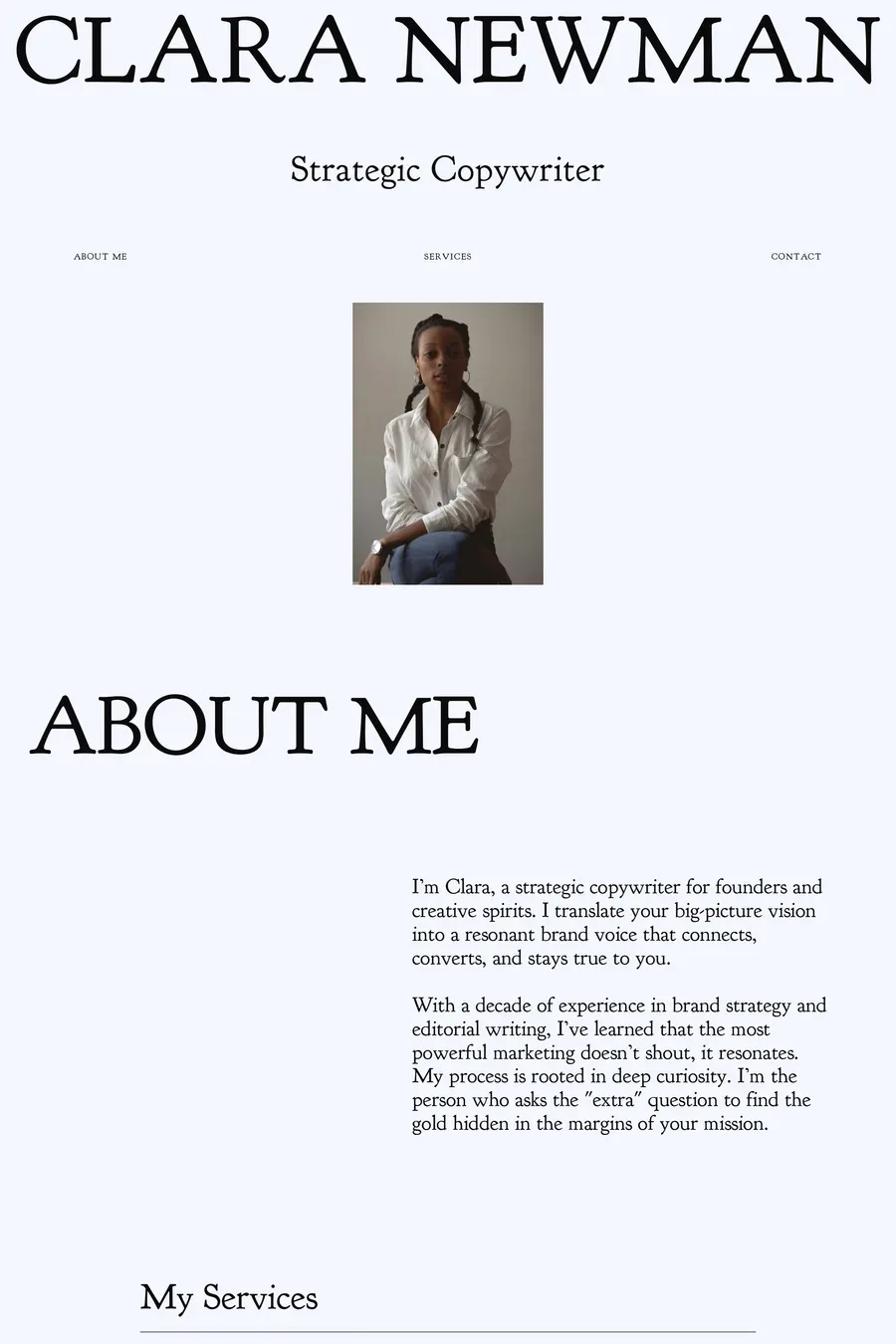
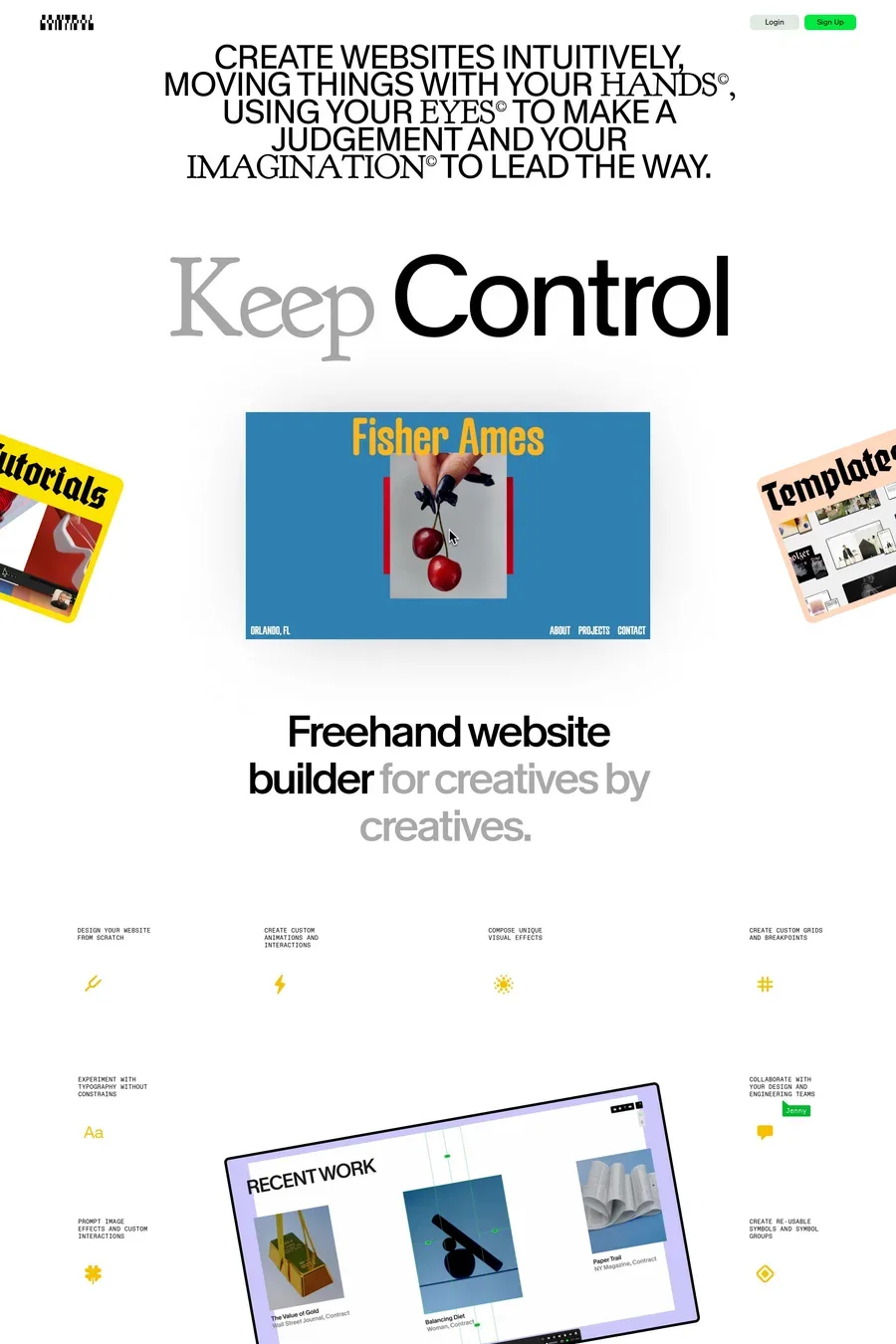
A website builder built around a freehand canvas, not a stacked layout system. Every other feature — components, structured content, responsive breakpoints, prompting — sits on top of that canvas instead of replacing it. It is made by CNTRL Software, a studio in Vienna, and has been in development since 2020. The practical difference from Webflow or Framer is where you start: those begin with a box model and let you escape it, Control begins with free placement and adds structure where you ask for it.
There is a free tier, but it does not publish. The Free plan keeps up to three projects with full access to the editor and the component library, and new accounts get a month of Pro to try publishing, custom domains and unlimited projects. After that, publishing and custom domains need a paid plan: Pro from $19 a month, Studio from $39 a month with five custom domains. Trials do not auto-charge — you pick a plan from the dashboard when the month ends, or you stay on Free.
Different starting points. Framer and Webflow are layout-system builders — you work in stacks, auto layout and a box model, which makes responsive behaviour predictable and unusual compositions harder. Control inverts that: free placement first, with custom grids and breakpoints you define rather than inherit. That suits editorial and portfolio work where the layout is the idea. It is a smaller platform with a smaller template and community ecosystem, so for conventional marketing sites the larger builders will be faster to ship.
No. Sites are built entirely in the visual editor, and the component library — grids, lists, galleries, lightboxes, subscription forms — comes pre-installed at no extra cost. Code is optional rather than required: there is code embedding for custom scripts, and a Next.js template and SDK documented at docs.cntrl.site if you want to work at that level. That puts it between the fully closed builders and a framework like Next.js, where everything is code from the start.
Yes. Pages designed in Control can be linked into an existing site, and if that site runs Next.js there is an SDK built for exactly this — you render Control-designed pages inside your own app rather than moving the whole project across. This is the usual way teams use it: a marketing or campaign page that needs real design freedom, sitting alongside an application built and deployed the normal way.
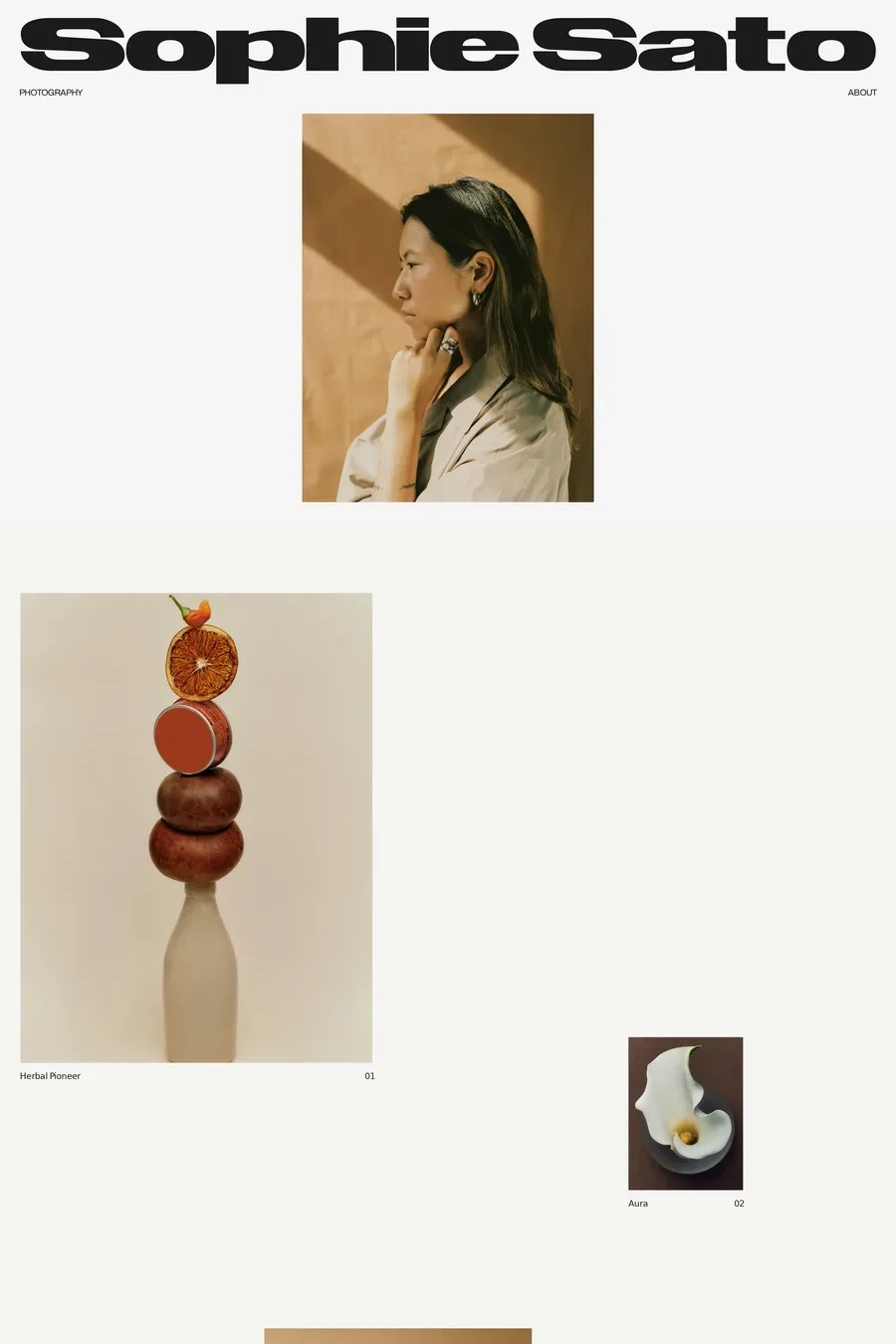
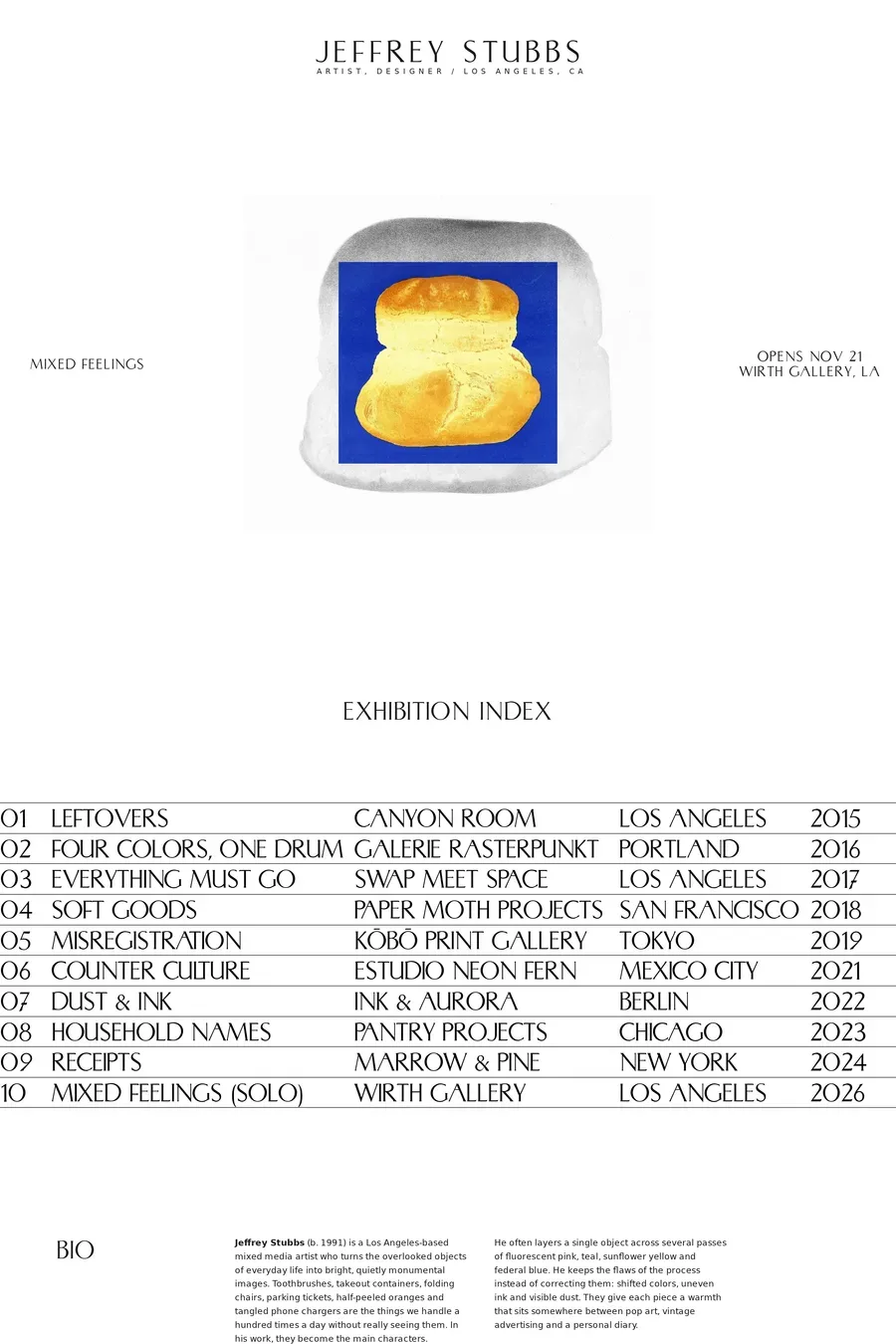
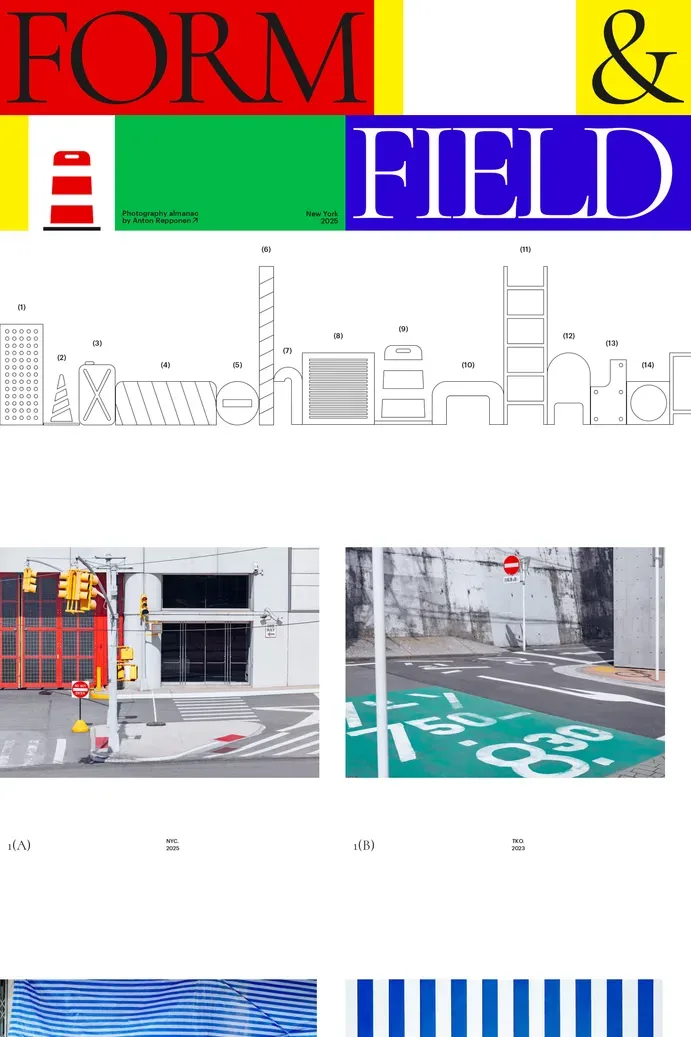
Editorial pieces, photography and portfolio sites, campaign microsites, and anything where the composition carries the work — the sites in this collection lean that way. Real-time collaboration means a team can design in the editor together. The trade-offs are the usual ones for a smaller platform: fewer templates, a smaller community, and less written about it when you get stuck. For a conventional marketing site or a shop, Framer, Webflow or Shopify will get you there with less friction.