Design inspiration in every new tab
See a fresh grid of website inspiration every time you open a new tab. Stay inspired.
Add to Chrome →
Free · No account · No permissions


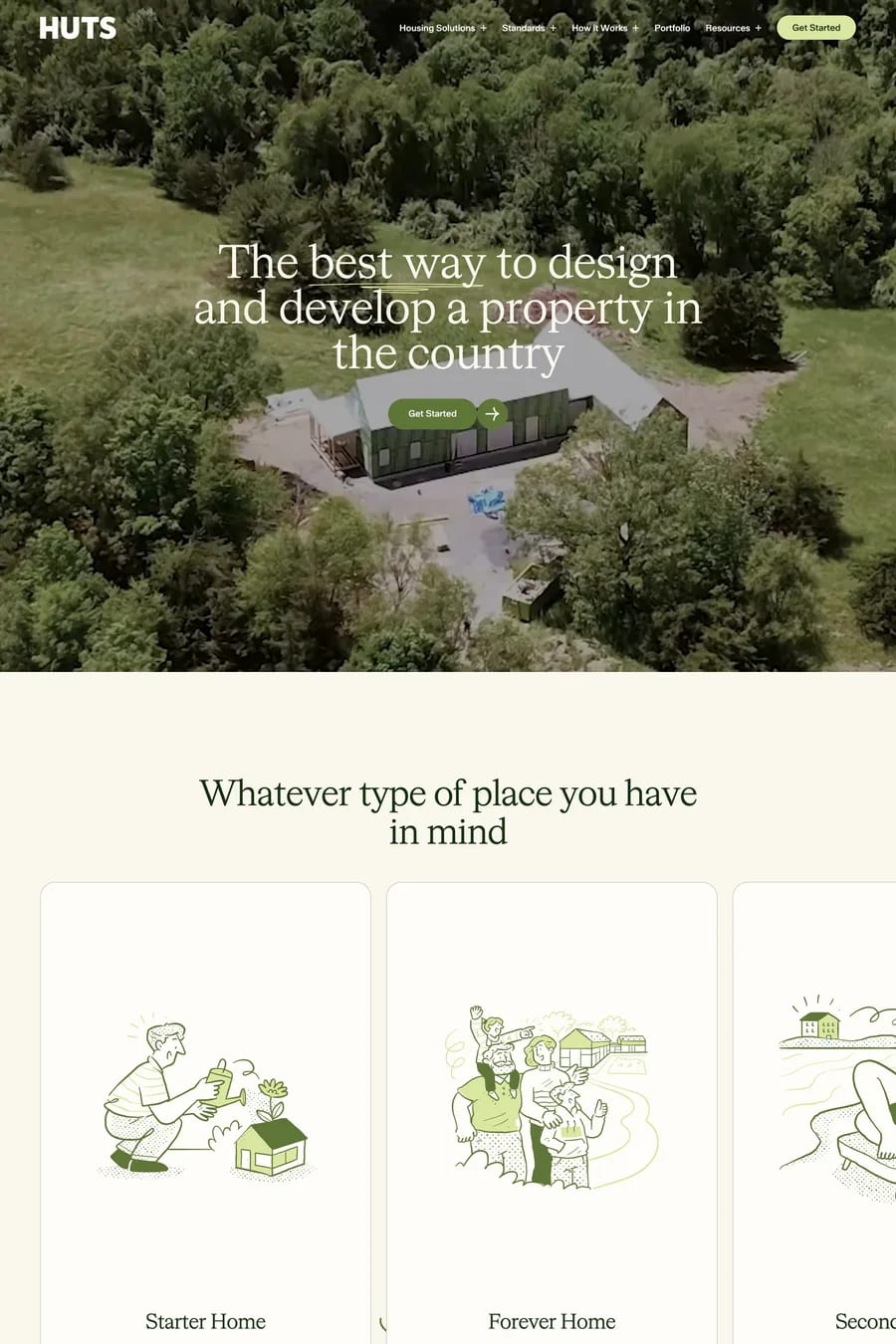
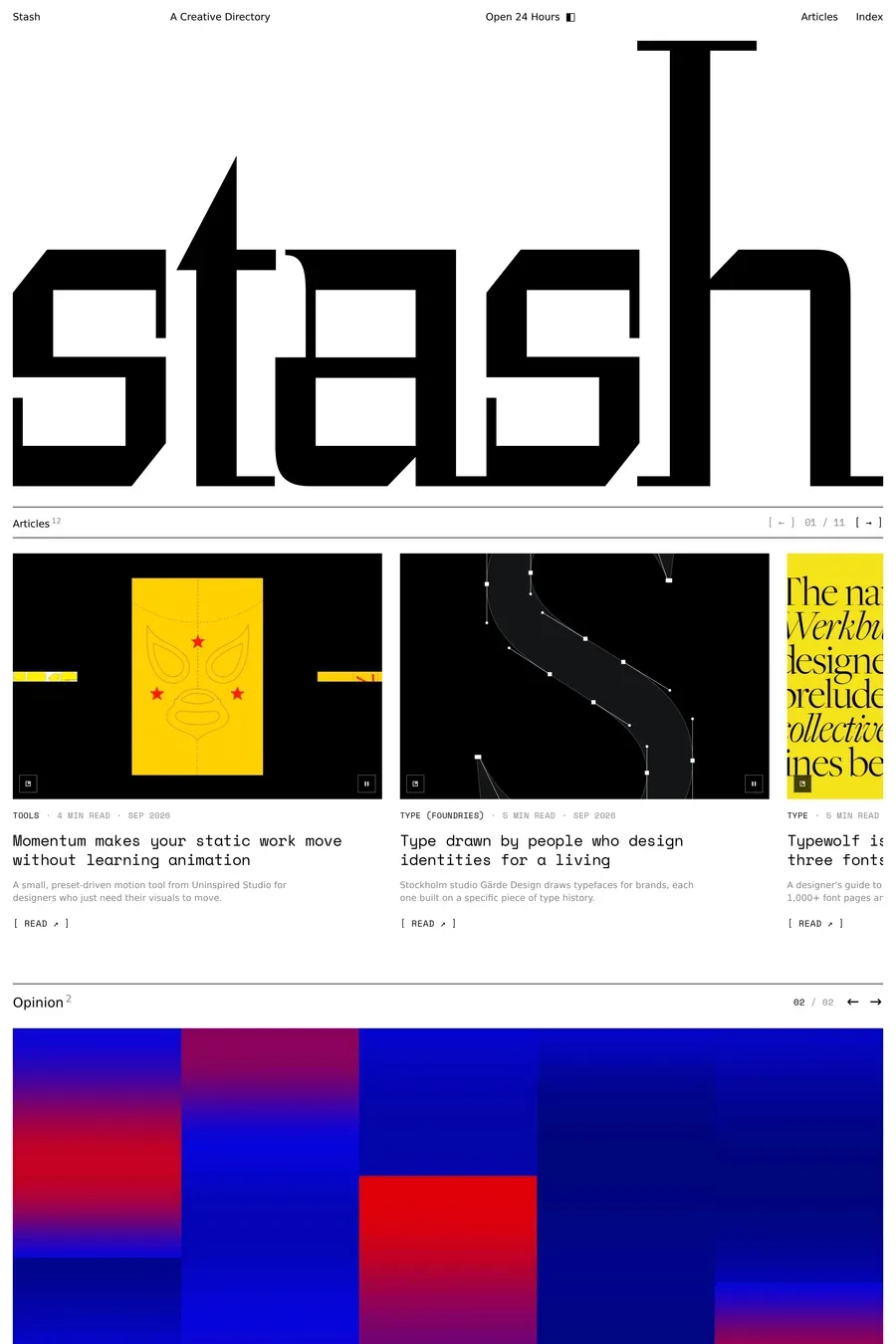


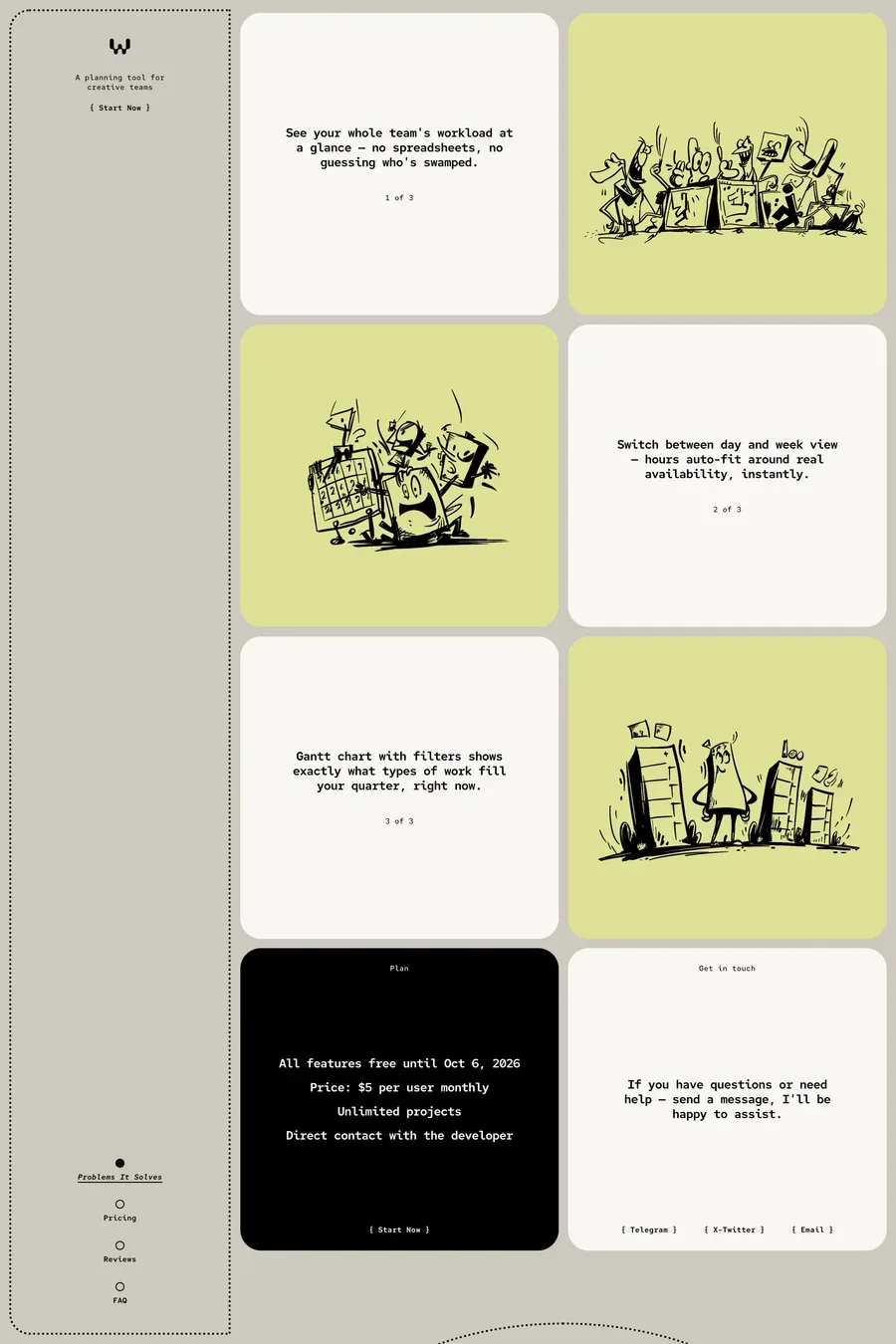
Three ways to browse
Random
A fresh set of sites every time you open a tab.
Latest
The newest sites on A1, the day they go up.
Popular
What other designers keep opening and saving.
Stay inspired with every new tab
- 1Add the Chrome extension
- 2Click “Keep it”
- 3Open a tab
Free · No account · No permissions


Common questions
Yes. No account, no trial, no Pro plan needed.
Nothing personal, and nothing about the other pages you visit. It counts how many tabs you open, which of the three views you use and which sites you click. All of it is anonymous — the counts are tied to a random ID made when you install, never to your name, your email or an A1 account. They exist for one reason: to show which parts people use, so the next version is better. The privacy policy has the full detail.
No. Each tab paints from a copy of the gallery already in your browser, so the sites are on screen before the network is asked for anything. The copy refreshes once an hour in the background.
The card opens that site on A1, where you get the full-page screenshot, the fonts, the colours and the tools behind it. The arrow opens the live site in a new tab.
Yes. Remove the extension at chrome://extensions and Chrome goes back to its own page.
It works in any Chromium browser that installs from the Chrome Web Store, including Edge, Brave and Arc. There is no Safari or Firefox version.