

Curated design references,
inside your AI agent
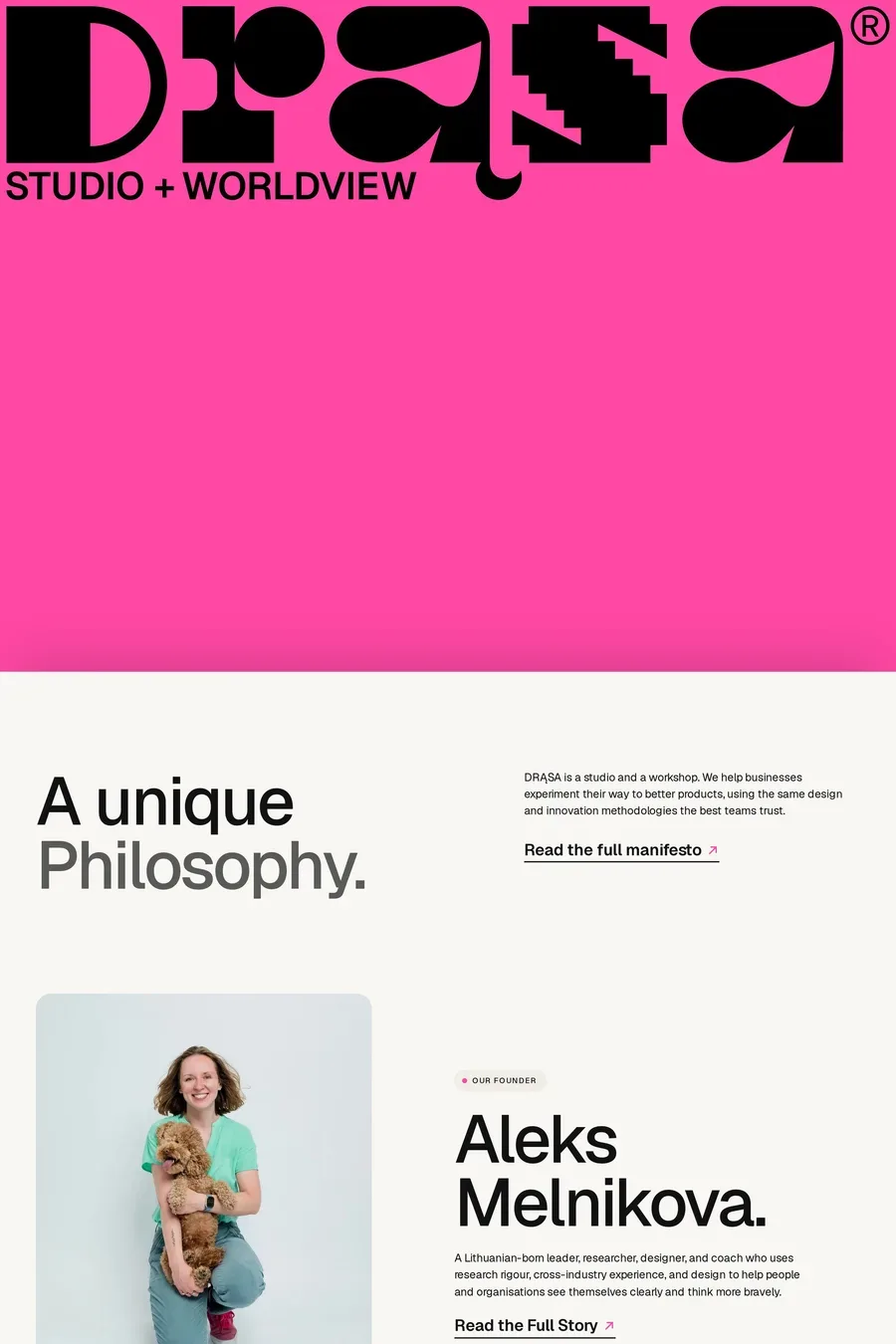
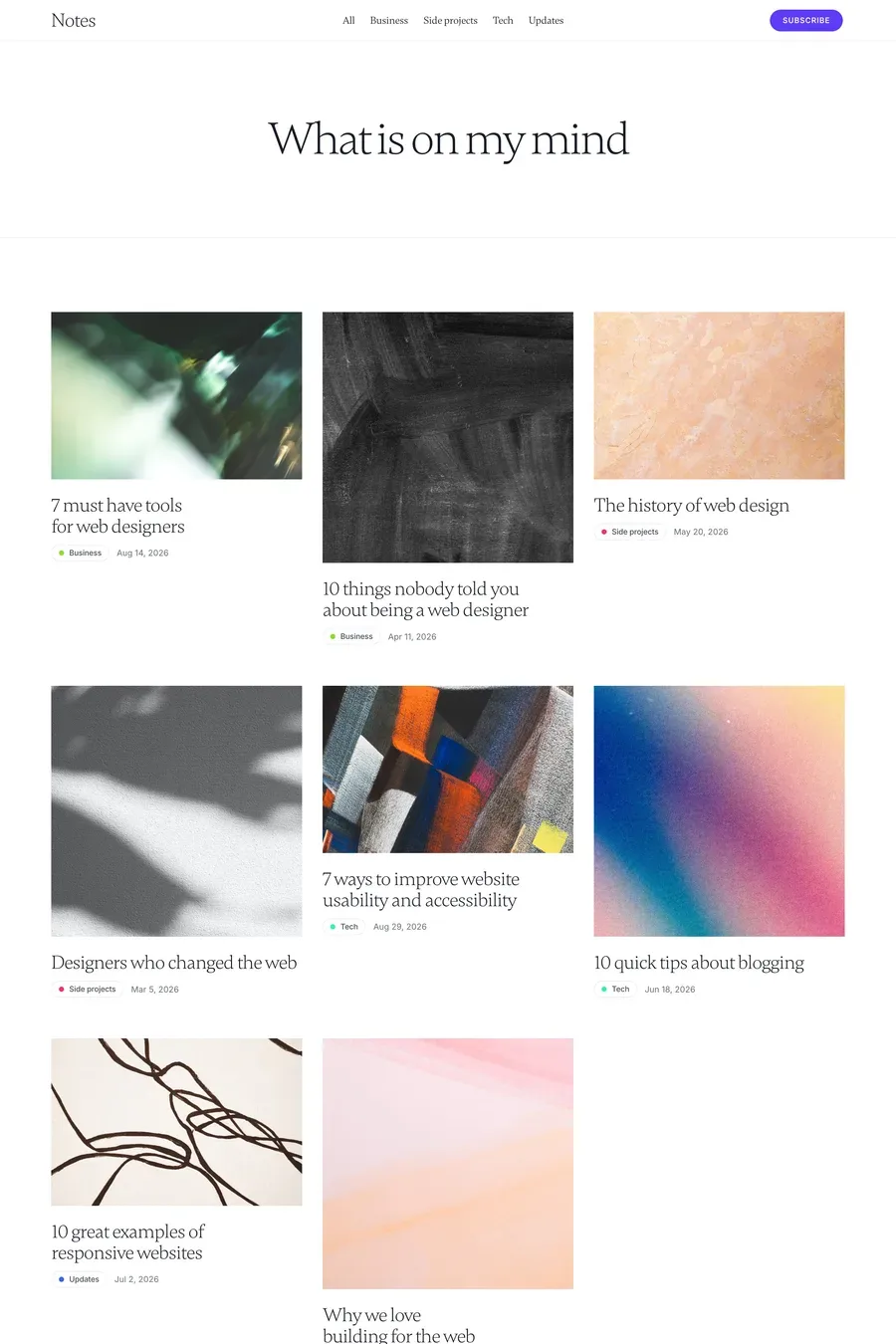
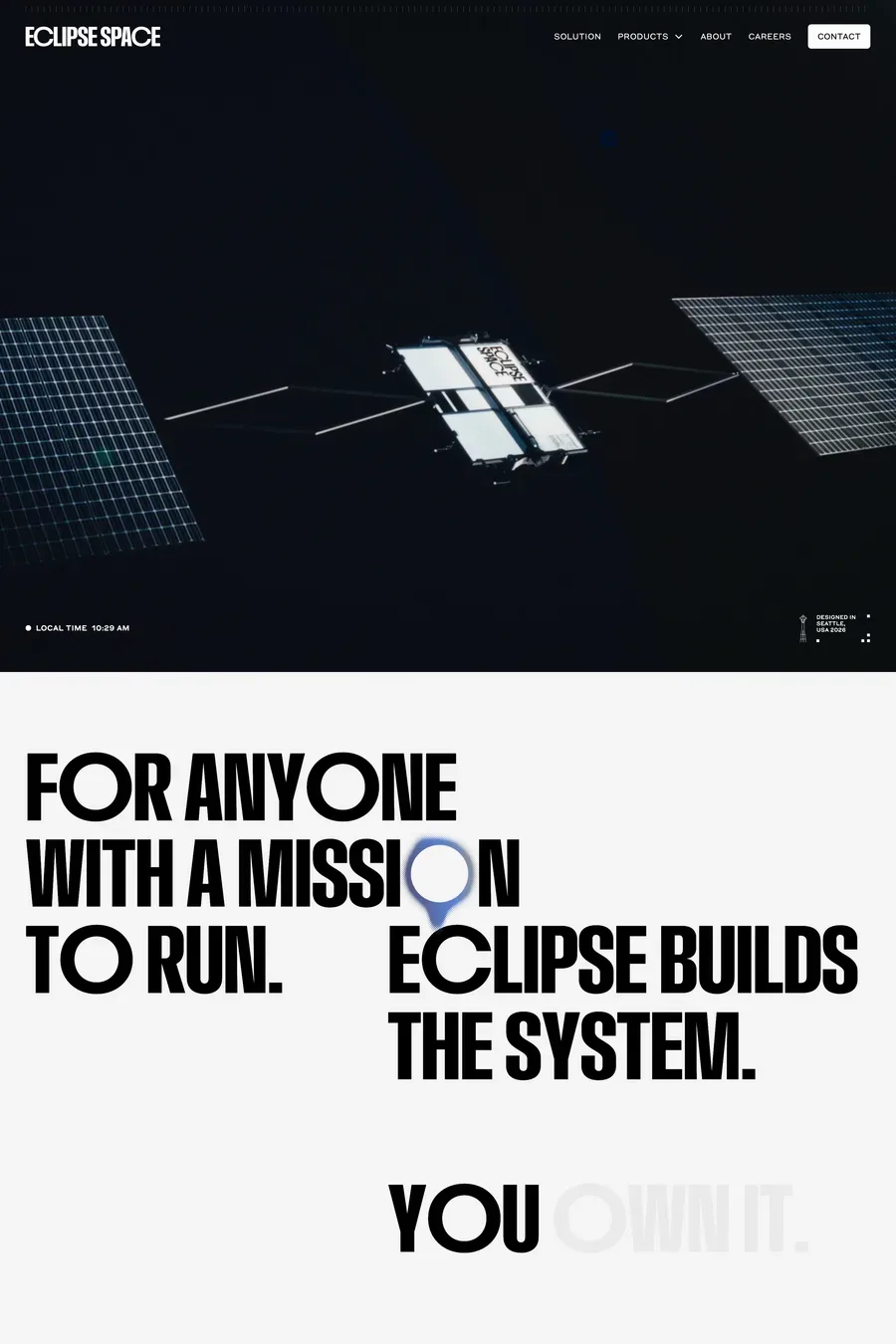
Connect your AI coding tool to a curated library of real websites. Search by style, font, technology, and colour — without leaving your editor.
Free with an account
What you can ask
Find minimal SaaS landing pages built with Framer
What fonts are most popular across SaaS sites?
Find sites with a similar feel to Stripe
Who designed the Firecrawl site and what else have they made?
Find dark, expressive portfolio sites
What’s been added to A1 recently?
What fonts are commonly paired with Inter?
How do good pricing pages look?
Find CTA sections from dark, minimal landing pages
17 tools
Reaching 1,215 sites, 3,243 captured sections, 3,052 full-page captures, 578 fonts and 539 creators.
search_websites- Full-text search across site names, descriptions, and design tags.
browse_websites- Filter by type, category, style, technology, font, or colour. Pass multiple slugs to filter by more than one value at once.
get_website- Full detail on one site — fonts, colours, styles, tech stack, screenshot, and all captured sections.
search_sections- Search inside sections — headings, body copy, FAQ questions, pricing, testimonials — not just tags. Returns the screenshot plus the extracted text, structured data, topic tags, and the measured design tokens. Filter by section type, site type, topic, or a brand colour to match.
get_website_sections- All captured sections for one site, in page order — each with its measured design tokens.
search_pages- Full-page captures of one page type across the gallery — pricing, about, careers, changelog, docs and more. Whole pages, not components, so you can see how a company designs one end to end.
get_website_pages- Every sub-page captured for one site — pricing, about, blog, careers, contact, features, work, case studies, login, changelog, integrations, docs.
analyze_section_content- Aggregate content patterns across many sections at once — e.g. what share of portfolio FAQs mention refunds, pricing, or turnaround, and the questions they ask.
analyze_design_tokens- Aggregate the measured design values across many sections — typical heading and body sizes, type scale, section padding, container width, radius, common typefaces and accent colours, reported as quartiles.
get_similar_websites- Sites that share the same category, type, and style as a reference site.
get_recently_added- The most recently added sites, newest first.
browse_fonts- Filter fonts by classification, free/paid status, or by the type of sites that use them.
get_font- Full details on one font — classification, free/paid, and how many gallery sites use it.
find_font_pairings- Real sites that use two specific fonts together.
browse_creators- Designers and studios in the gallery, sorted by number of featured sites.
get_creator- Full profile for one creator — bio, social links, and all their featured sites.
get_design_filters- All available filter values with site counts — types, categories, styles, technologies, colours, font classifications, and section topics.
Common questions
Model Context Protocol is an open standard that lets AI coding agents call external tools mid-task. Connect A1 once and your agent can look up real websites, fonts, and colour palettes as structured data — without you pasting screenshots or describing what you want.
Free with an A1 account. The first time you connect you’ll sign in — it’s free — and then you get 50 requests a day. A1 Pro raises that to 2,000 a day with a faster per-minute allowance.
Claude Code, Cursor, Windsurf, VS Code (1.99+ with GitHub Copilot), Zed, OpenAI Codex, and Claude Desktop. Any tool that implements the Model Context Protocol spec will also work.
Published website metadata: name, URL, fonts, colours, styles, technologies, and categories. Section screenshots for individual UI components — hero, pricing, features, CTA, footer, and more — each with the design values measured off the live page: palette as hex with roles, heading and body type, spacing, radius and layout, plus the copy read out as structured data, so a pricing section returns its tiers and their prices and an FAQ returns its questions and answers. Full-page captures of sub-pages — pricing, about, careers, docs, changelog and more — for seeing how a whole page is put together rather than one component. Creator profiles: designer and studio names, bios, and social links. No private or unpublished data is accessible.
Use it in your work — look things up, reference a design, pull a few sites into what you’re building. Your own projects, your company’s work, or a product you’re building for other people. The daily limits are sized for that. What they don’t cover is copying the gallery: bulk-downloading the catalogue, keeping it as your own dataset, shipping A1’s data inside another product, reselling your access, or training a model on it. There’s a second limit for the same reason — one account can pull the full record for 300 individual sites a day, and browsing and search keep working when you reach it. If you need the data in bulk, email [email protected] and we’ll licence it to you.
Run /mcp inside a Claude Code session to list all connected servers and their available tools.
Get the 10 best sites in your inbox weekly
4,650+ designers get inspired every Tuesday
Unsubscribe at any time