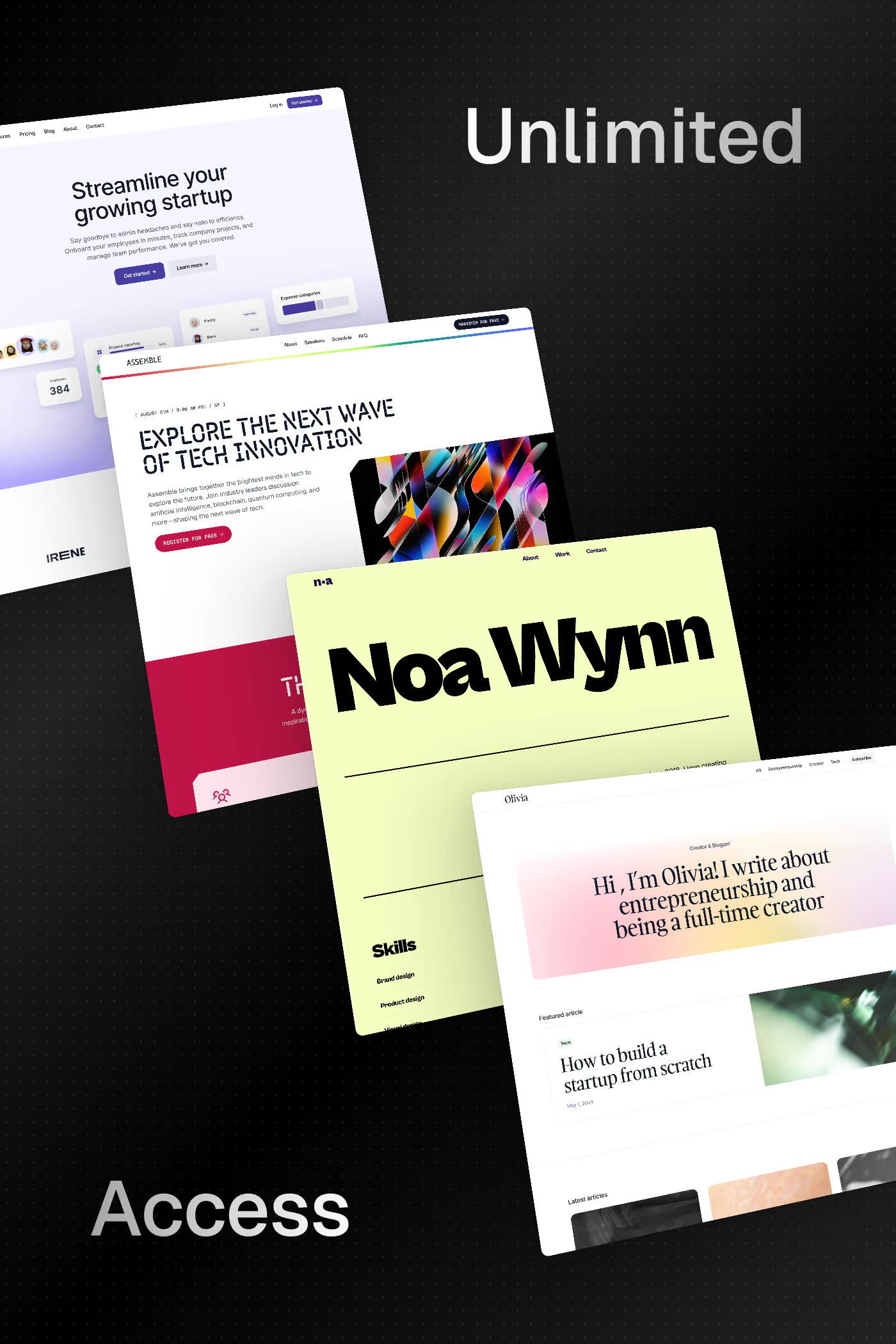
Curated inspiration sent every Tuesday
Unsubscribe at any time
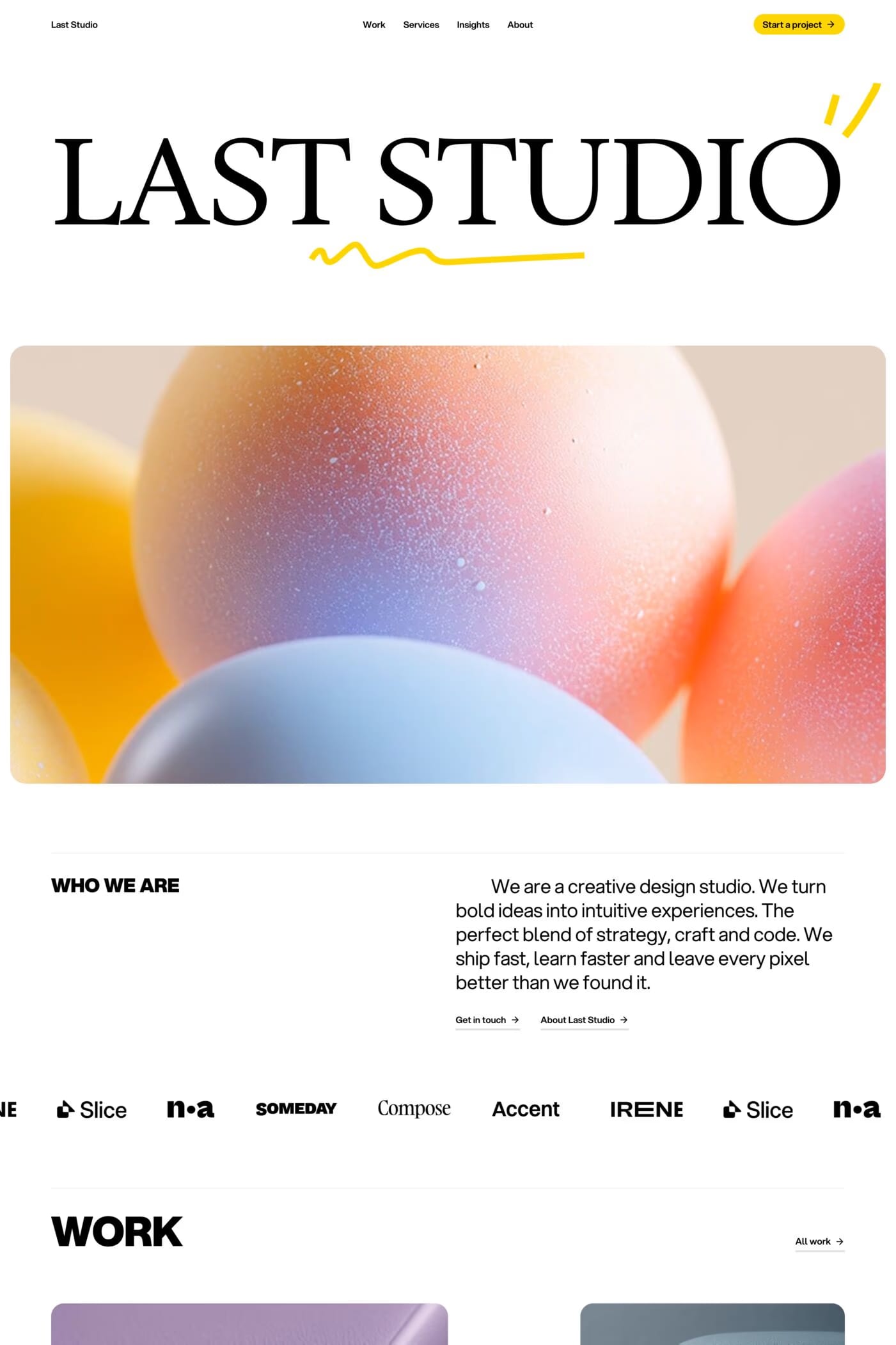
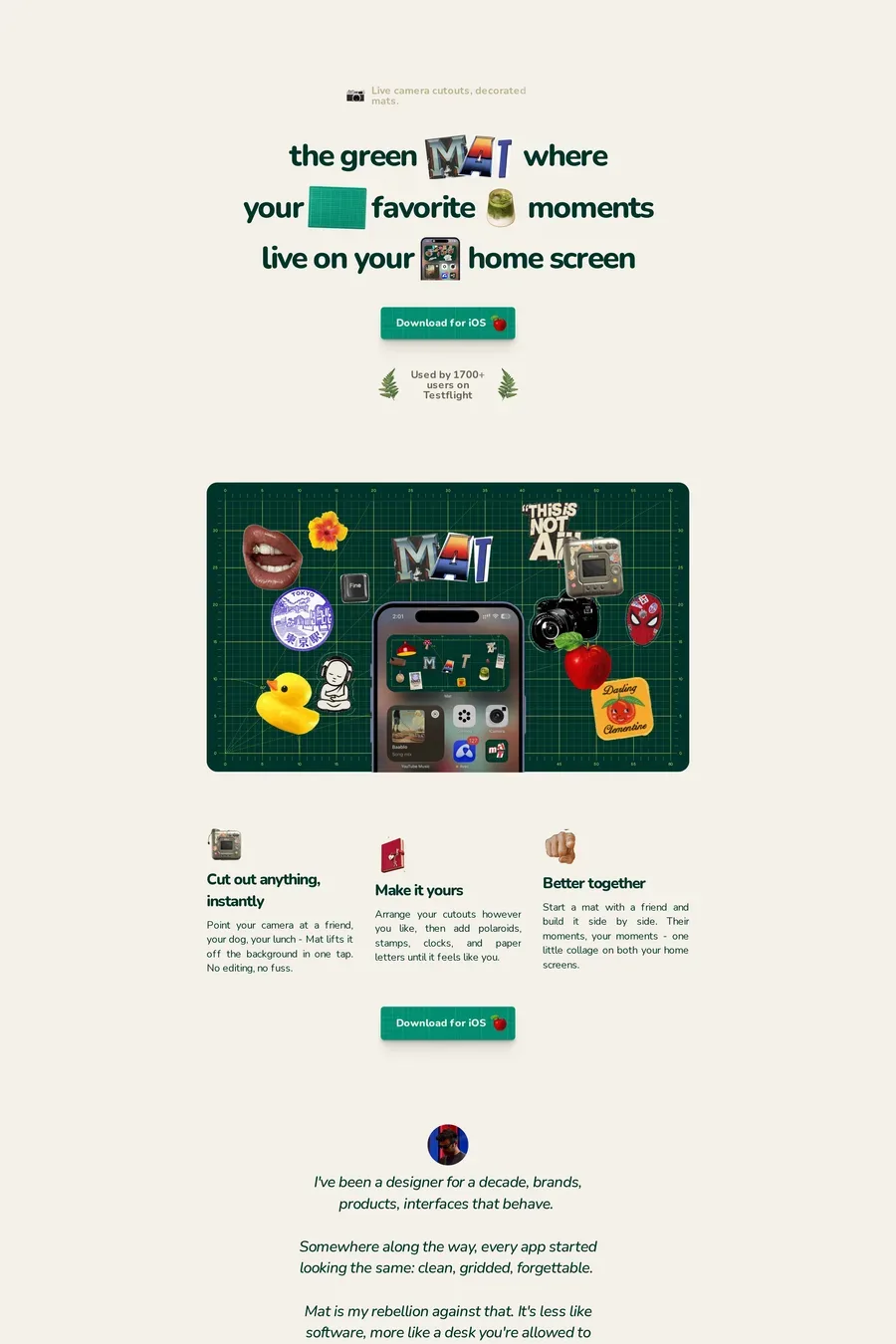
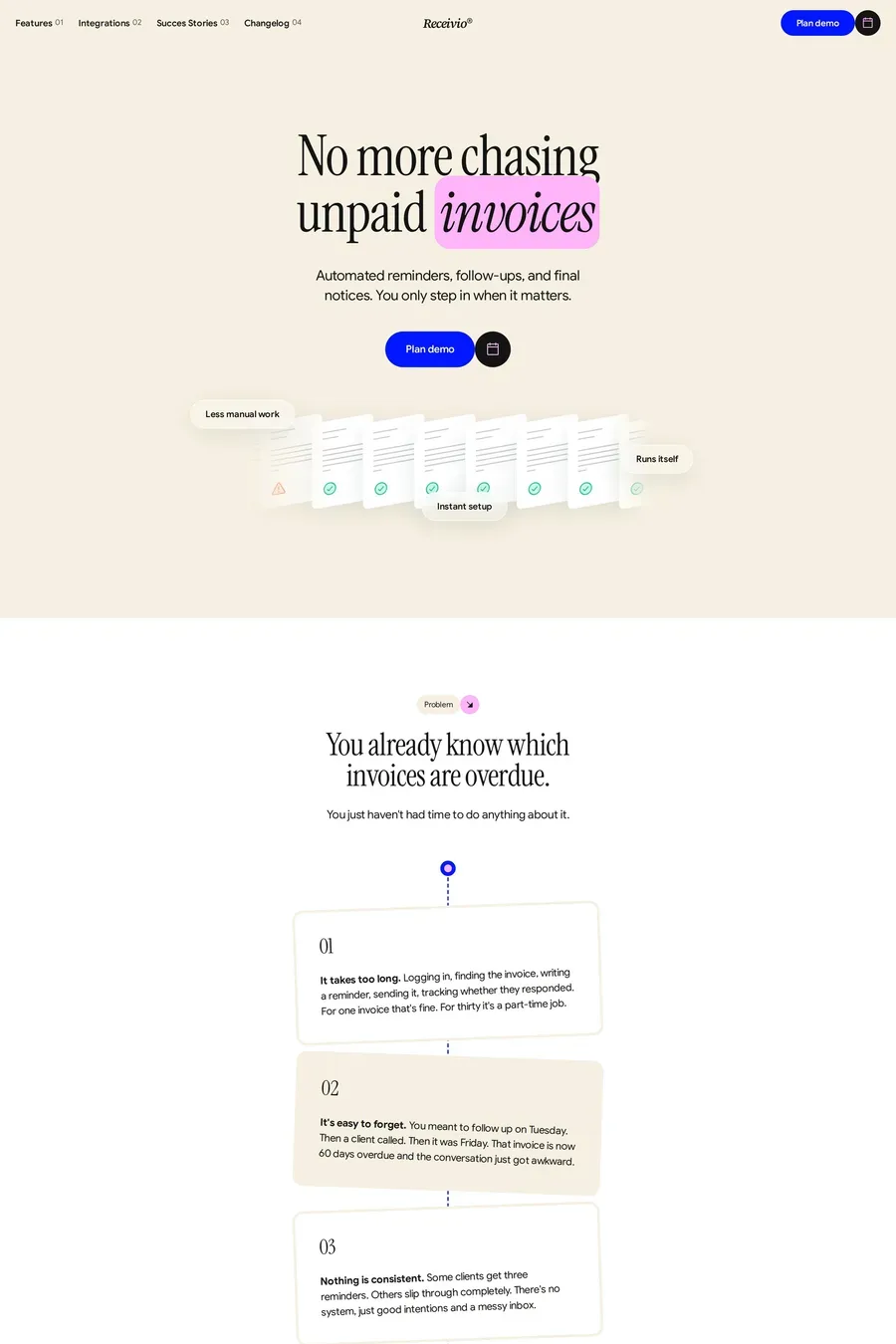
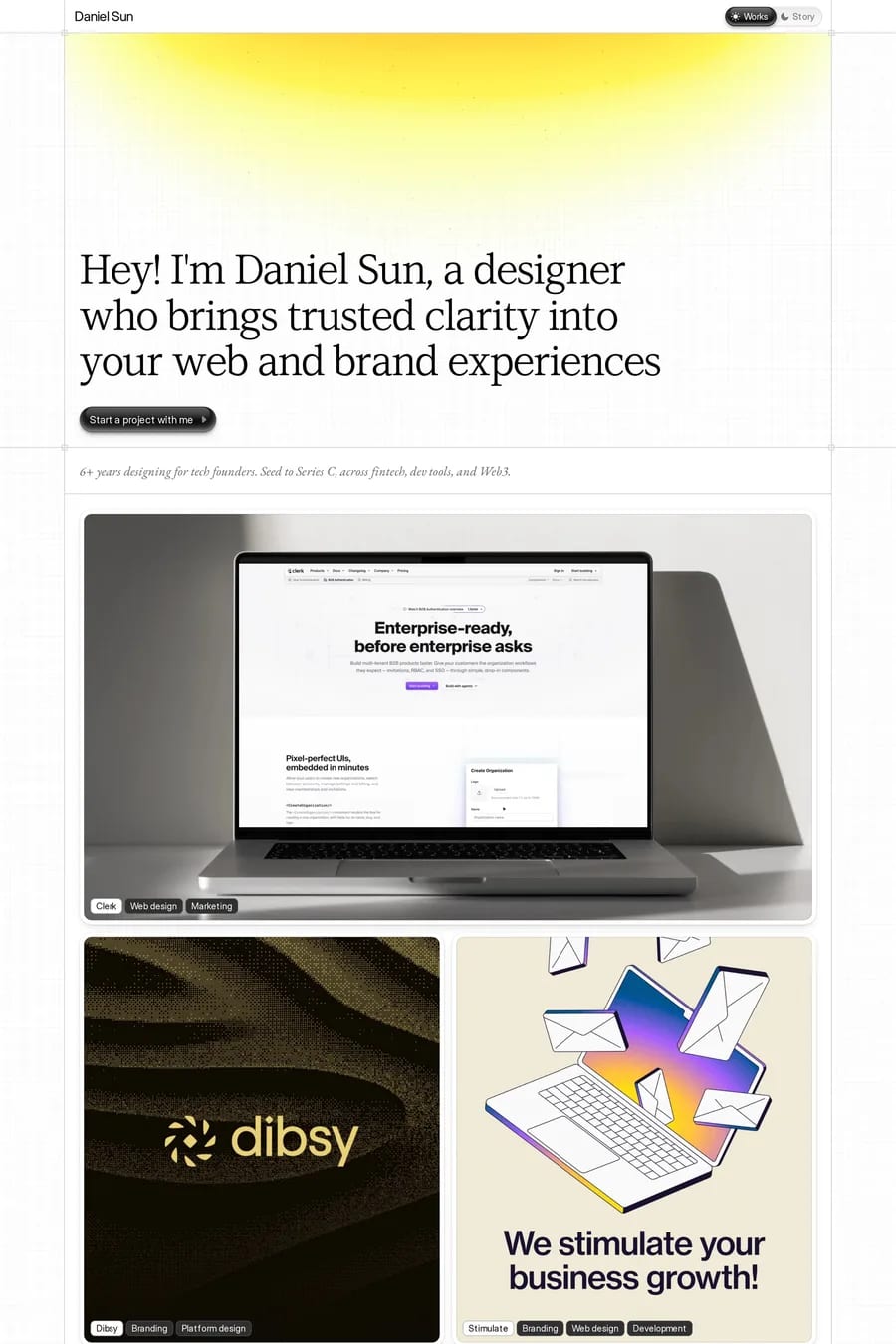
Mental model. Framer is built on React and uses a component-and-variant paradigm that maps directly to how product designers think in Figma. Webflow is built on the CSS box model and uses class-based styling that maps directly to how front-end developers think in HTML. Both produce excellent sites; both can build essentially the same kinds of websites; the choice usually comes down to which mental model the designer already holds. Product designers tend to find Framer more natural; designers from a web background tend to find Webflow more natural.
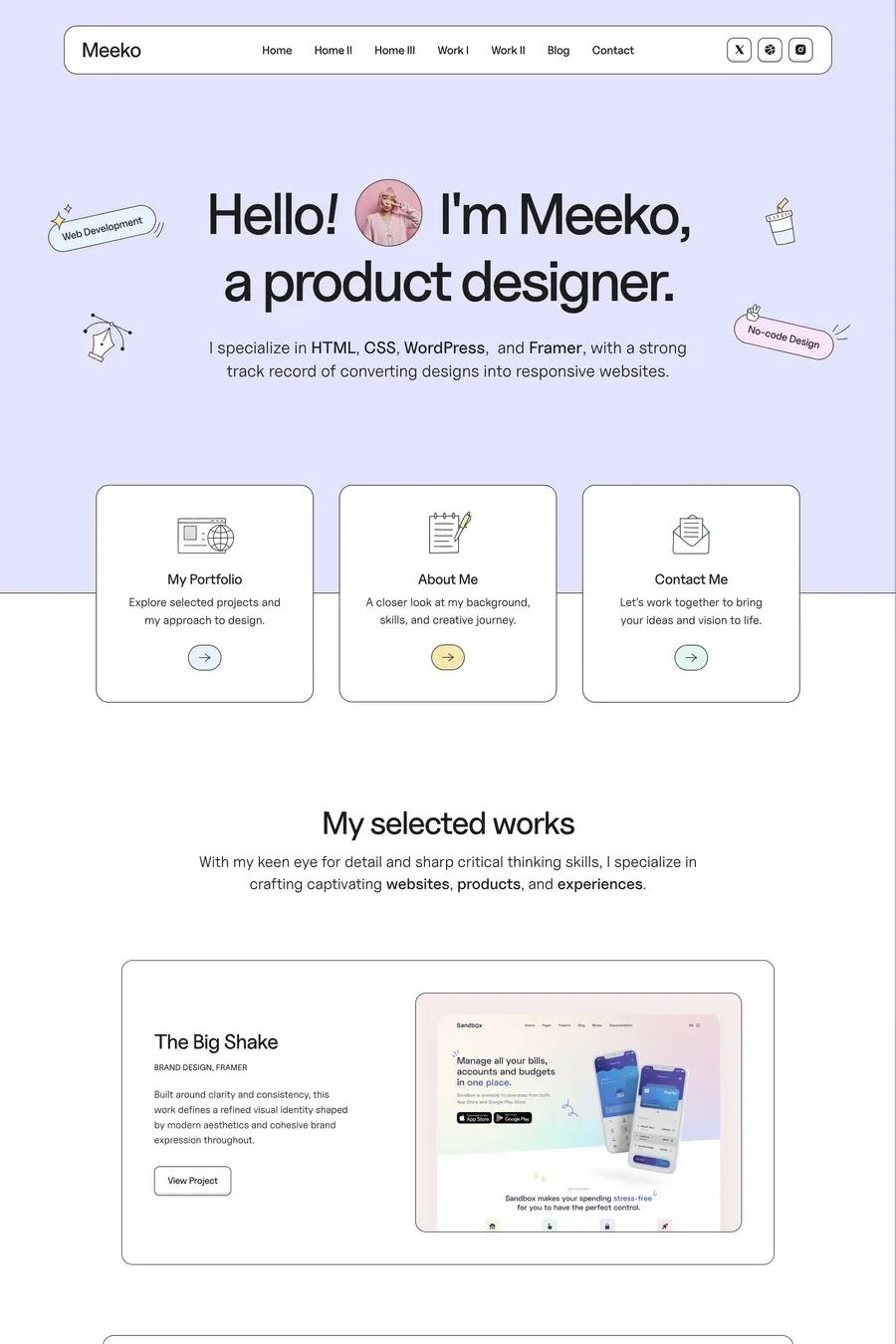
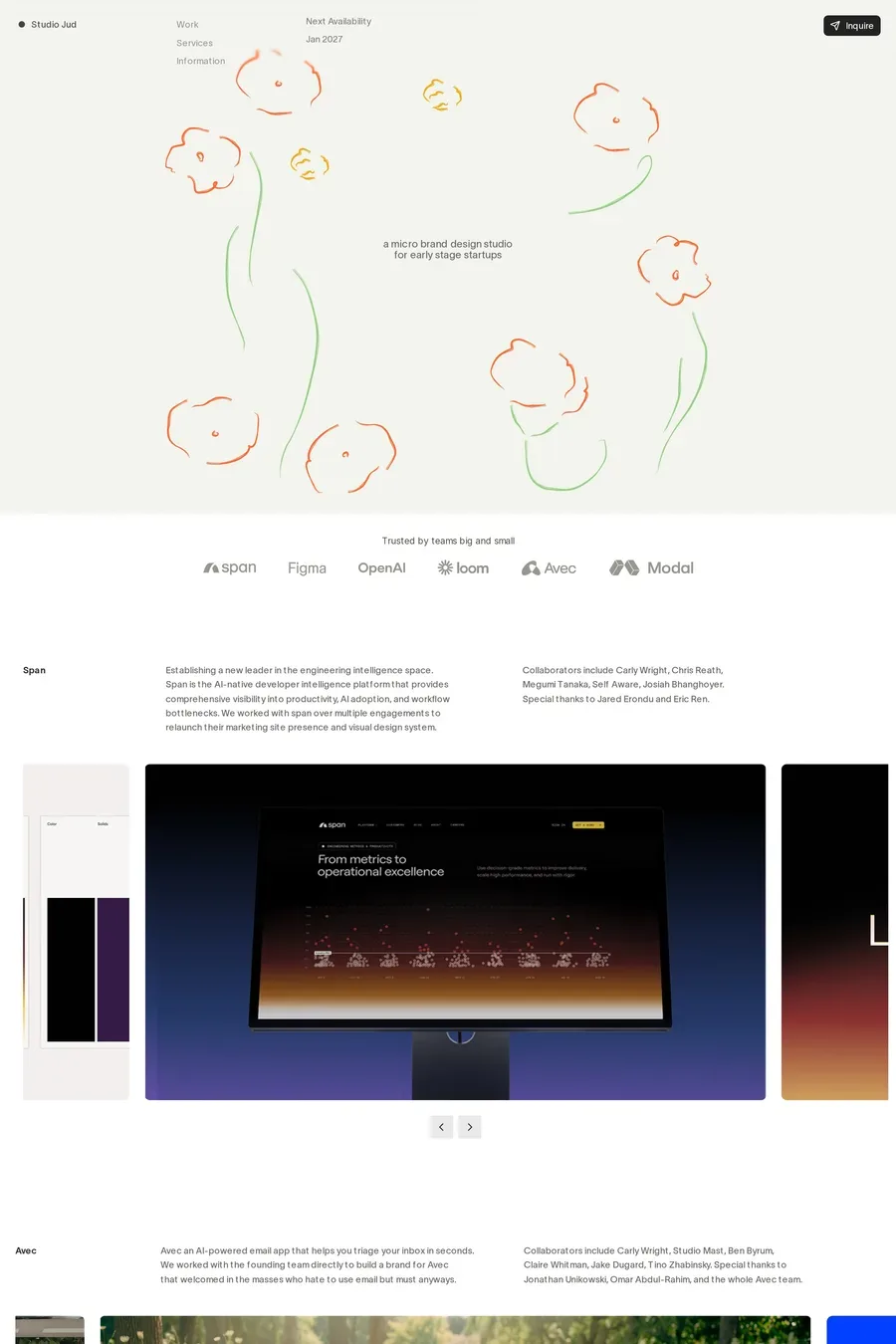
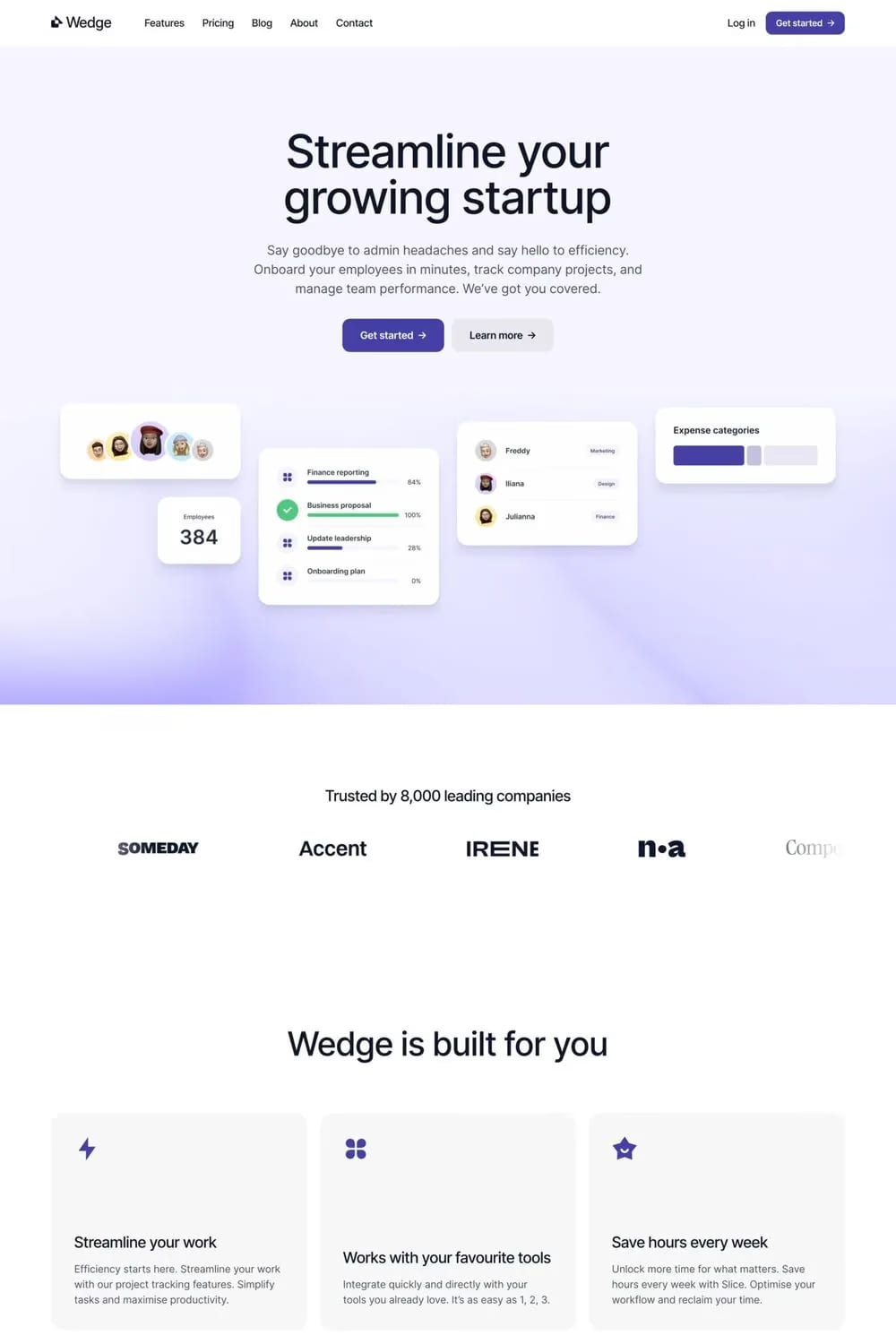
Landing pages, portfolios, agency sites, waitlist pages, and any site where animation and interaction quality are central to the brand. Framer also handles content-heavy sites better than it used to — its CMS has matured significantly since 2024 and can now power blogs, case study libraries, and small marketplaces. Where Framer still struggles is anything with deep custom backend logic, authentication-gated experiences, or highly dynamic content that needs server-side personalisation. Those use cases push toward Next.js or hybrid setups.
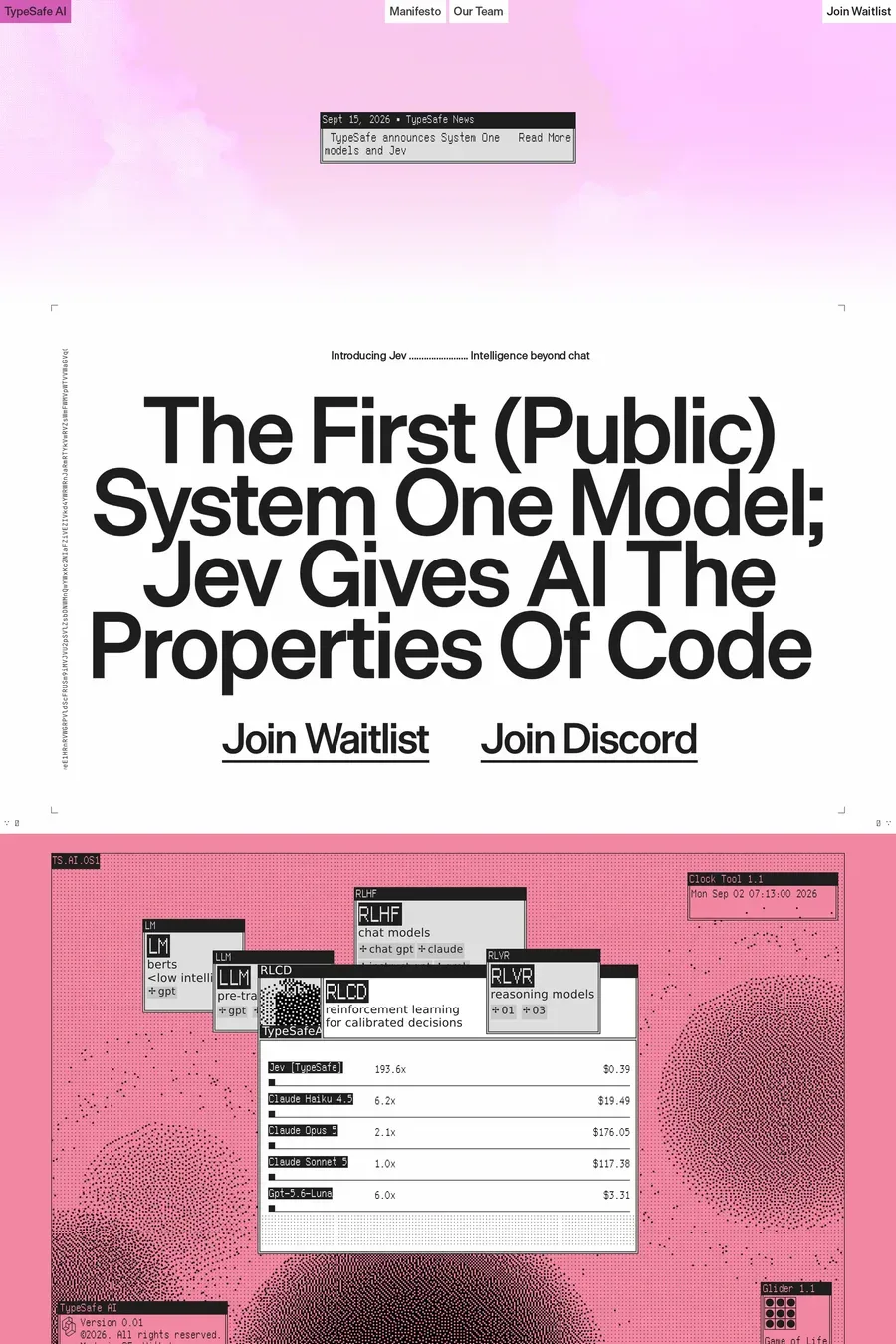
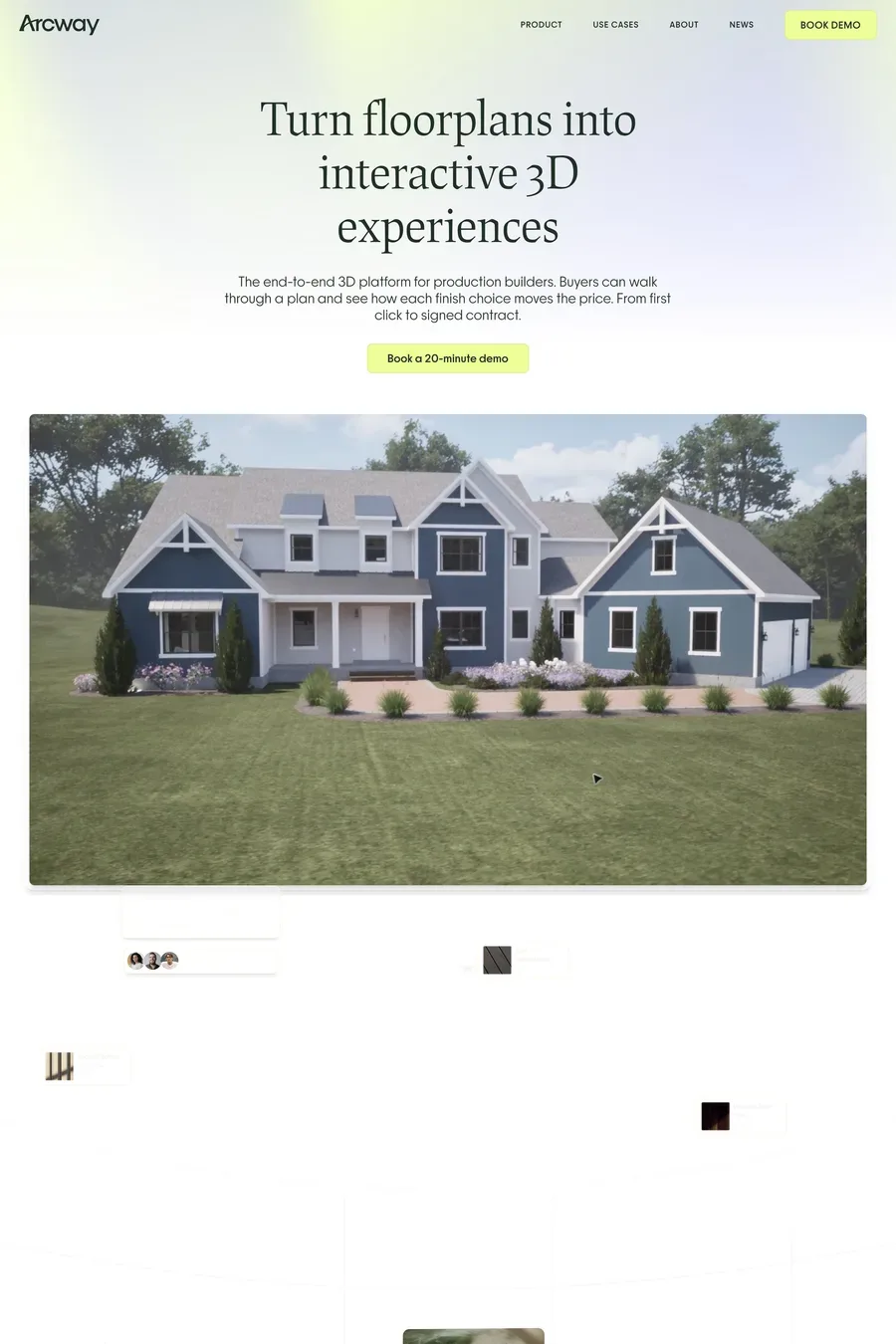
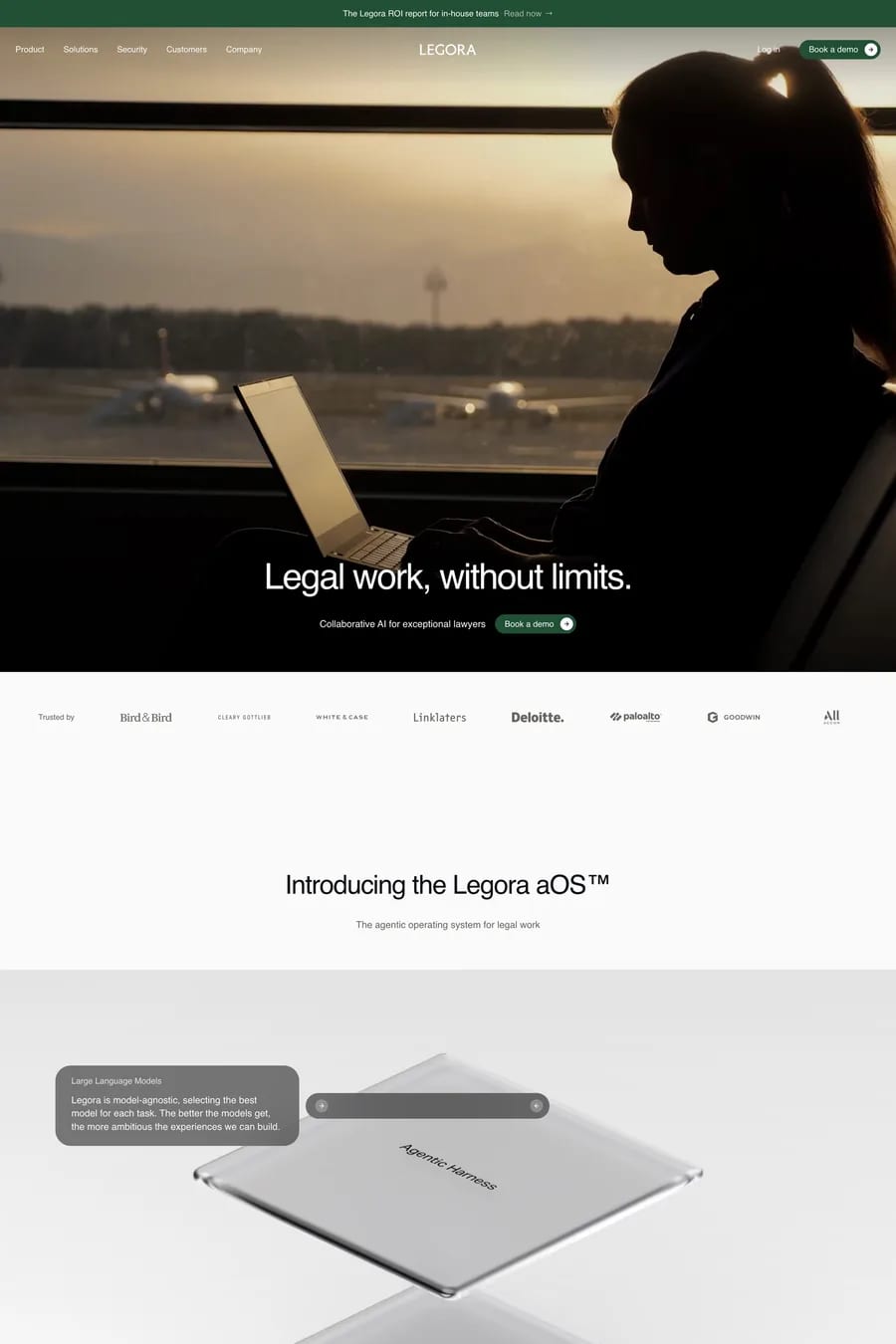
Framer uses a real animation engine with timeline-based controls, eased transitions between component states, and scroll-linked sequences that would take significant manual code to reproduce in CSS. It’s closer to After Effects in feel than to CSS keyframes. The strongest Framer sites in this collection use this for product demonstrations — animated UI walkthroughs, scroll-triggered explanations, hover sequences that show how a feature works. Used well, motion becomes a teaching tool. Used badly, it becomes decoration that hurts performance and distracts from the content.
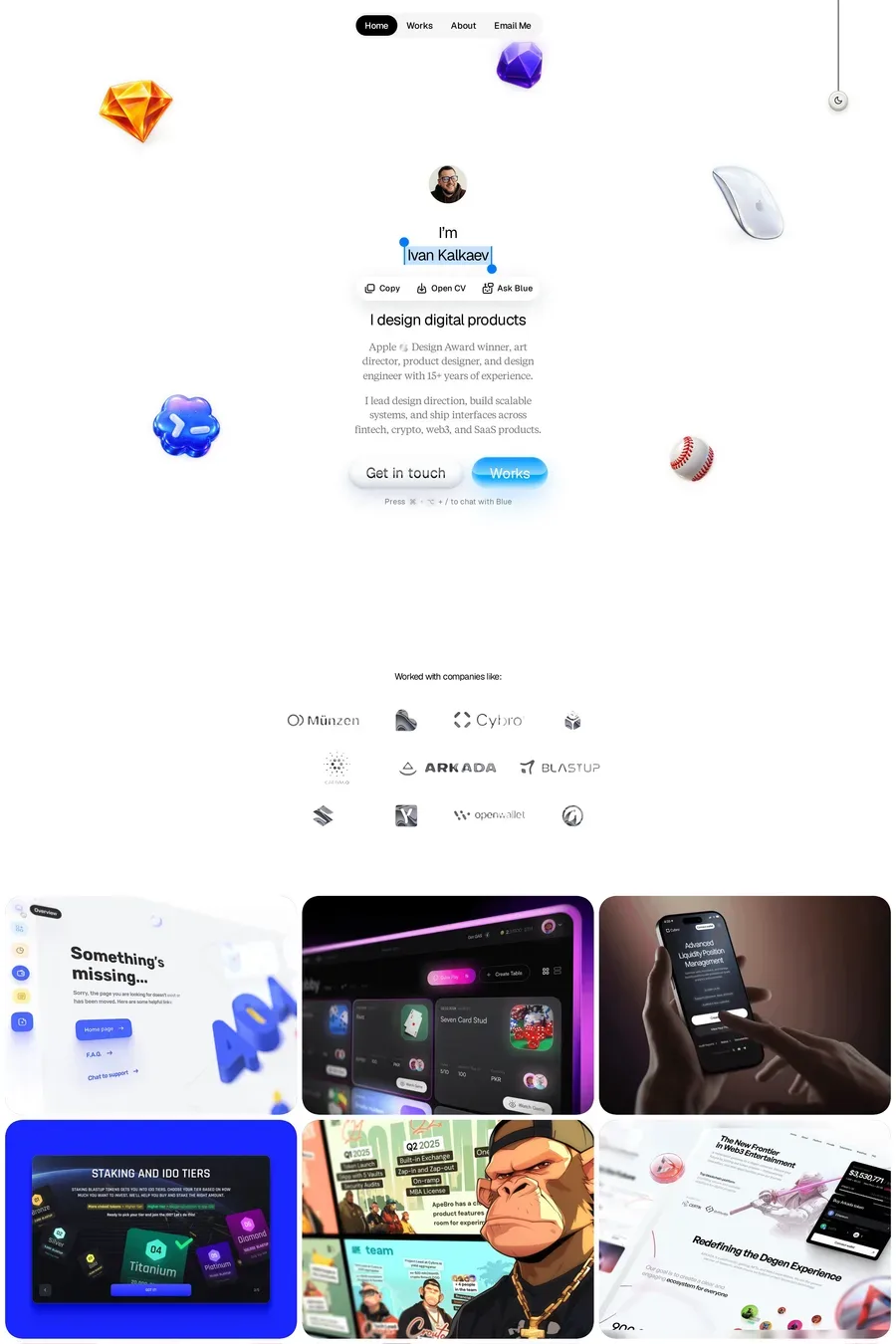
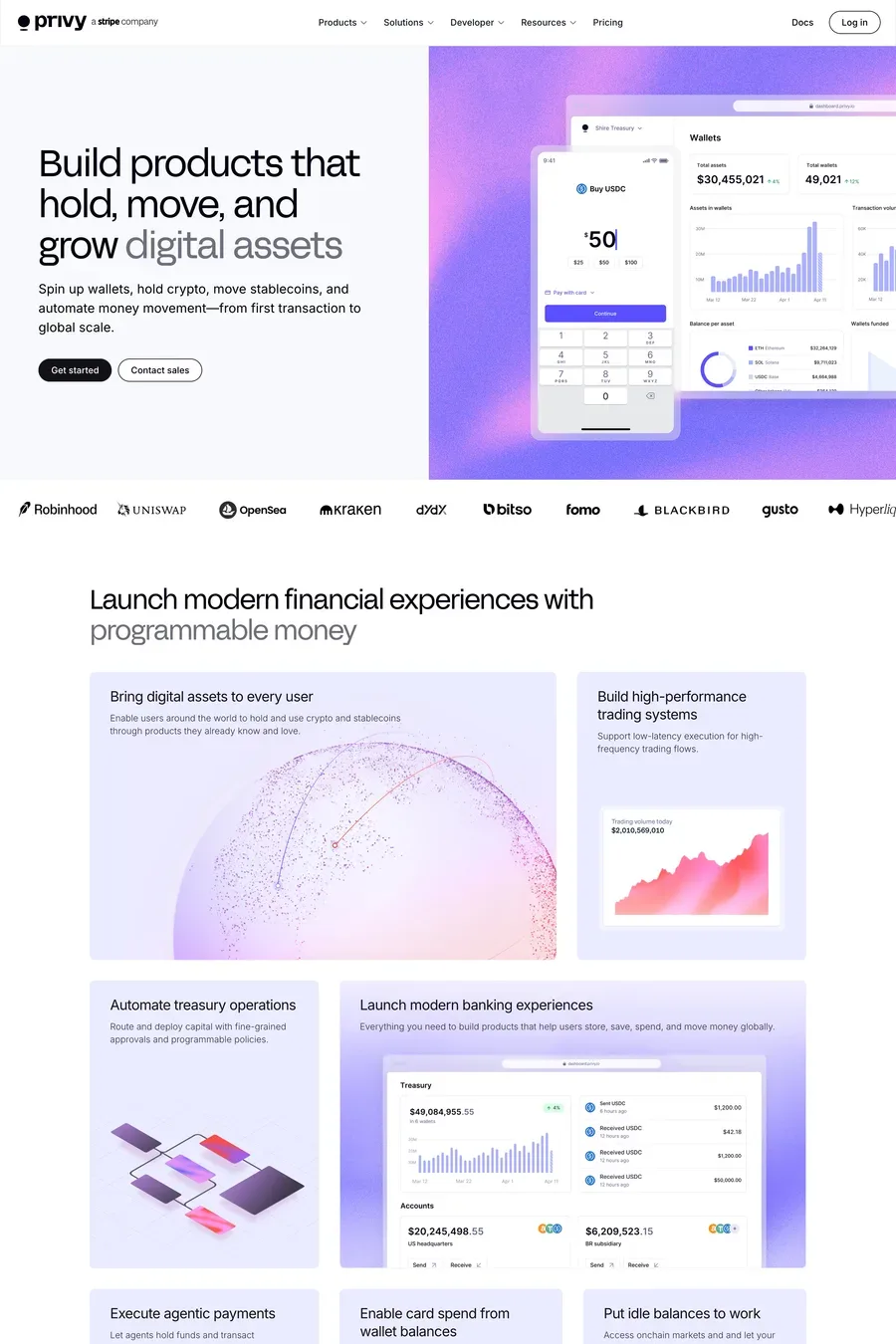
Framer’s SEO has improved significantly over the last two years. Pages are server-side rendered, meta tags and structured data are configurable per page, sitemaps are automatic, and the rendered HTML is clean enough that Google indexes it normally. The biggest SEO concern with Framer used to be slow client-side rendering of dynamic content; that’s now resolved for most use cases. Framer sites can rank competitively for the keywords they target, particularly when combined with CMS-driven content for category and detail pages. Browse Framer landing pages for examples that are ranking well.
Framer has tiered plans starting around $5/month for basic sites and rising to $30+/month for sites with CMS, custom domains, and team features. Compared to Webflow it’s slightly cheaper at the entry level and broadly comparable at the higher tiers. Framer’s template marketplace runs from free to $300+ for premium templates. The total cost of ownership for a small business marketing site on Framer is typically lower than equivalent custom development, particularly when you factor in design time saved by the component model.
No native e-commerce (you need a third-party integration like Shopify Buy Button or Snipcart); limited native form handling for complex flows; CMS still less powerful than headless alternatives for very large content libraries; and a learning curve for designers coming from non-React backgrounds. None of these are dealbreakers for the use cases Framer is best at, but they’re reasons larger or more complex sites still go to Next.js with custom development. Framer is rapidly closing these gaps but it’s not yet a one-platform-for-everything solution.