
Updated
Curated inspiration sent every Tuesday
Unsubscribe at any time
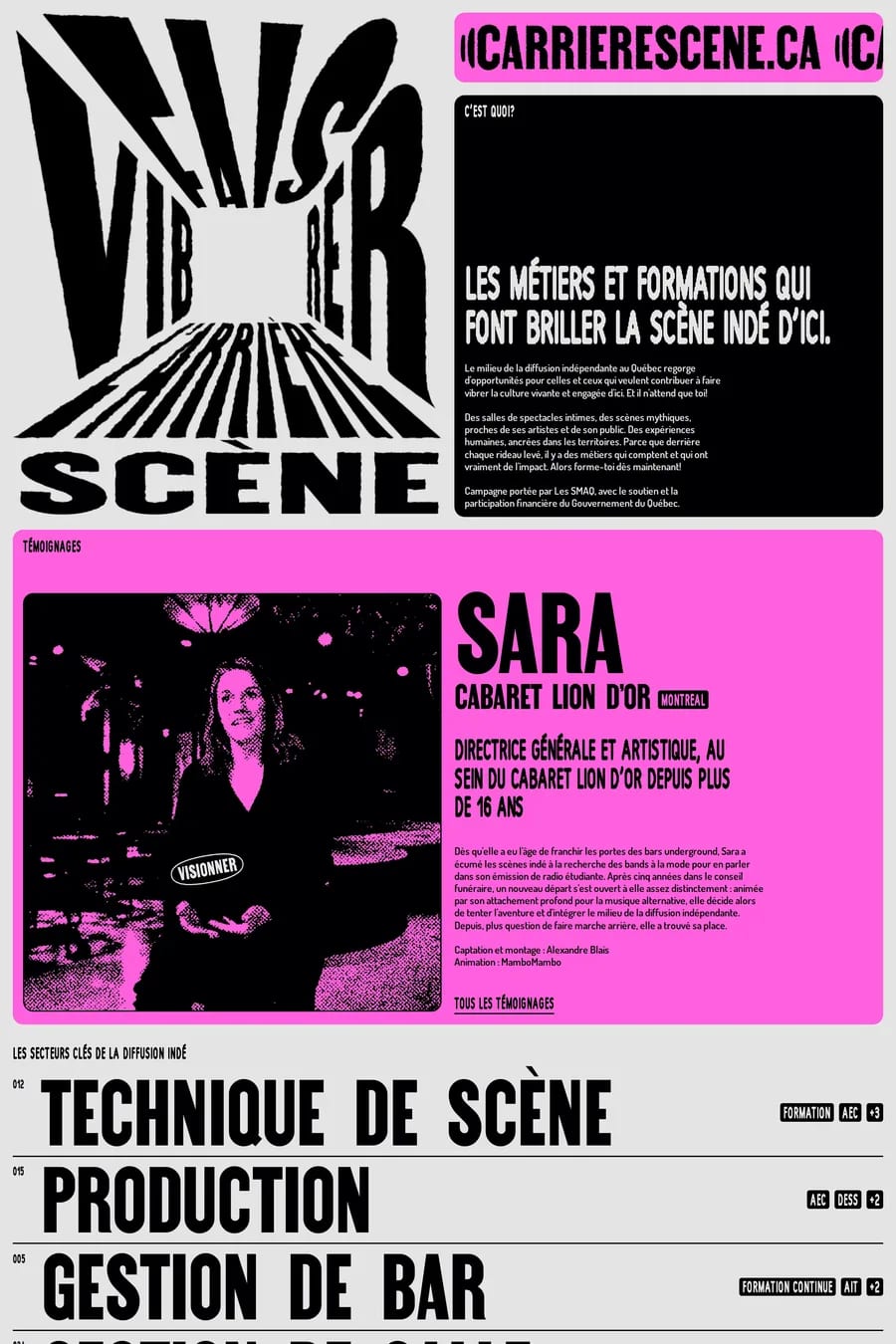
How the result card communicates enough information to make a decision without overwhelming the page. Every directory faces a tension between density (showing more results per screen) and decision-quality (giving enough information per result to actually choose). The best ones land somewhere around 20–30 results per viewport on desktop, with each card showing 3–5 key attributes plus an image or icon. Less than that and the directory feels thin; more than that and the cards become unreadable. The right answer depends on what visitors are deciding about — comparing prices is information-dense, comparing aesthetics is image-led.
Filters should be visible by default on desktop, never more than two clicks away on mobile, and ordered by likelihood of use (the most common filter at the top, not in alphabetical order). The biggest mistake directories make is treating every filter as equally important — they’re not. One or two filters drive 80% of refinement; the rest are long tail. Highlight the popular ones, hide the rest behind a "more filters" expansion. And every filter needs a clear count next to each option, so visitors can see whether they’re narrowing toward 5 results or 500.
Pagination is correct for directories where visitors compare results; infinite scroll is correct for directories where visitors browse for inspiration. A job board needs pagination — visitors are evaluating, ranking, and returning to specific results. An inspiration gallery needs infinite scroll — visitors are skimming, and breaking the flow with page numbers kills the experience. Hybrid approaches (load more button, then transition to infinite scroll) split the difference but rarely satisfy either use case. Decide which mode fits the visitor’s actual mental model and commit to it.
Whatever the visitor needs to make a decision, no more. The temptation to show every available field on every result card is the temptation to abdicate the editorial judgement of what matters. The strongest directories in this collection show 3–5 attributes per result, chosen because they’re the attributes visitors actually filter and compare on. Everything else lives on the detail page. If a field isn’t worth filtering by, it’s probably not worth showing in the result card either.
For small to medium directories (under 10,000 entries) Webflow CMS or Framer CMS are surprisingly capable, especially with their improving filter and search features. For larger or more dynamic directories, Next.js with a search service like Algolia, Typesense, or Meilisearch on top of Postgres is the standard pattern. WordPress with a directory plugin still works but feels increasingly dated. The platform matters less than the search engine — fast, typo-tolerant, faceted search is the single biggest UX win for any directory of meaningful size.
By being consistently updated, having opinionated curation visible in the way results are ordered, and adding lightweight value beyond raw listings — short editorial commentary, "new this week" sections, occasional roundups. Directories that just present a sorted list of database rows have nothing to bring visitors back. Directories that feel maintained, edited, and considered build the habit. The best ones in this collection have a recognisable editorial voice in their item descriptions, not just neutral metadata.