

Curated inspiration sent every Tuesday
Unsubscribe at any time
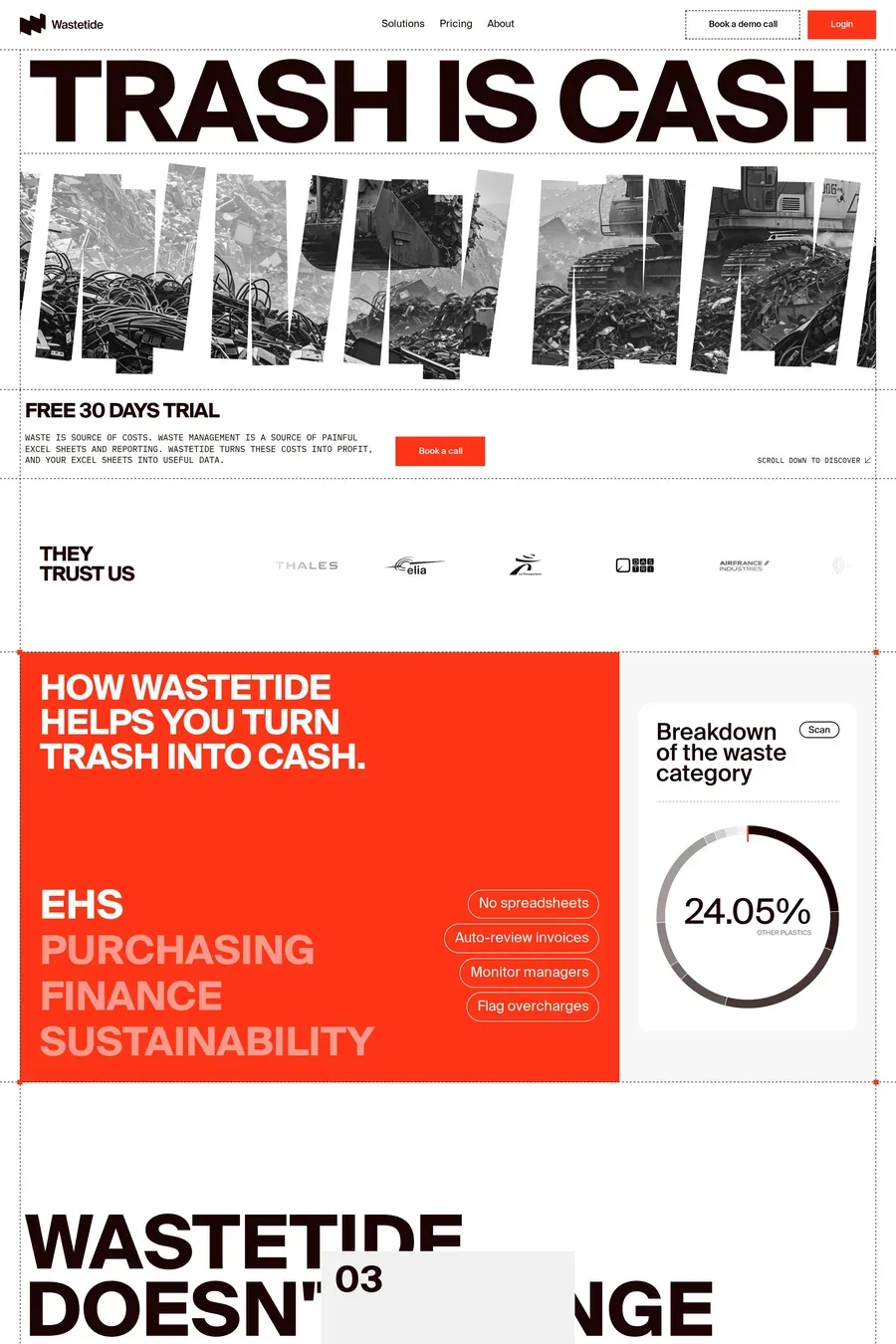
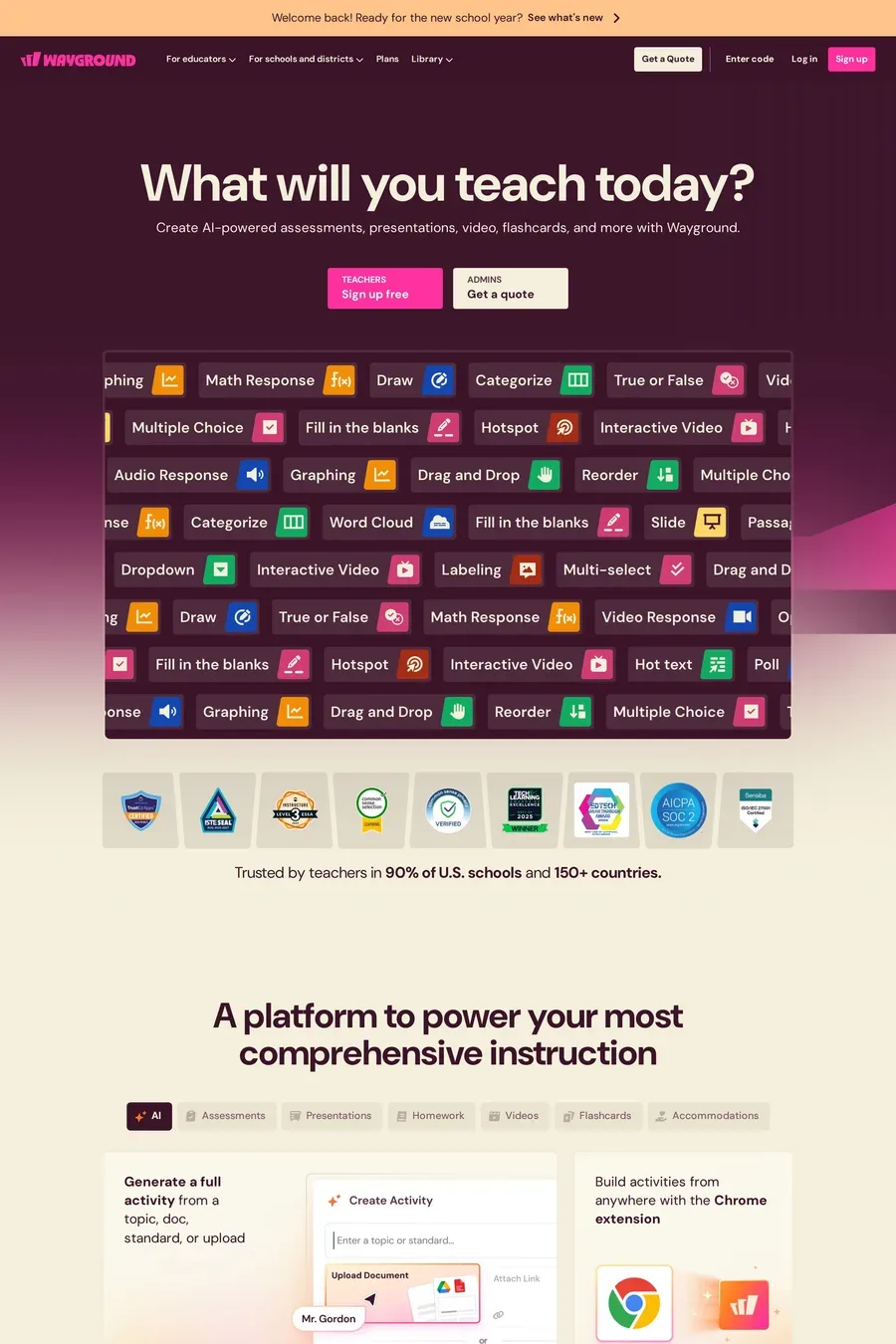
Webflow exposes the actual CSS box model in its editor — flexbox, grid, positioning, custom classes — rather than abstracting it behind simplified controls. This means designers get real control over responsive behaviour, animations, and layout, and the output is clean, standards-compliant code rather than the bloated markup most no-code builders produce. Designers who care about the gap between what was designed and what gets built find Webflow’s precision worth the steeper learning curve. Compare it with Framer for a React-based alternative with a different mental model.
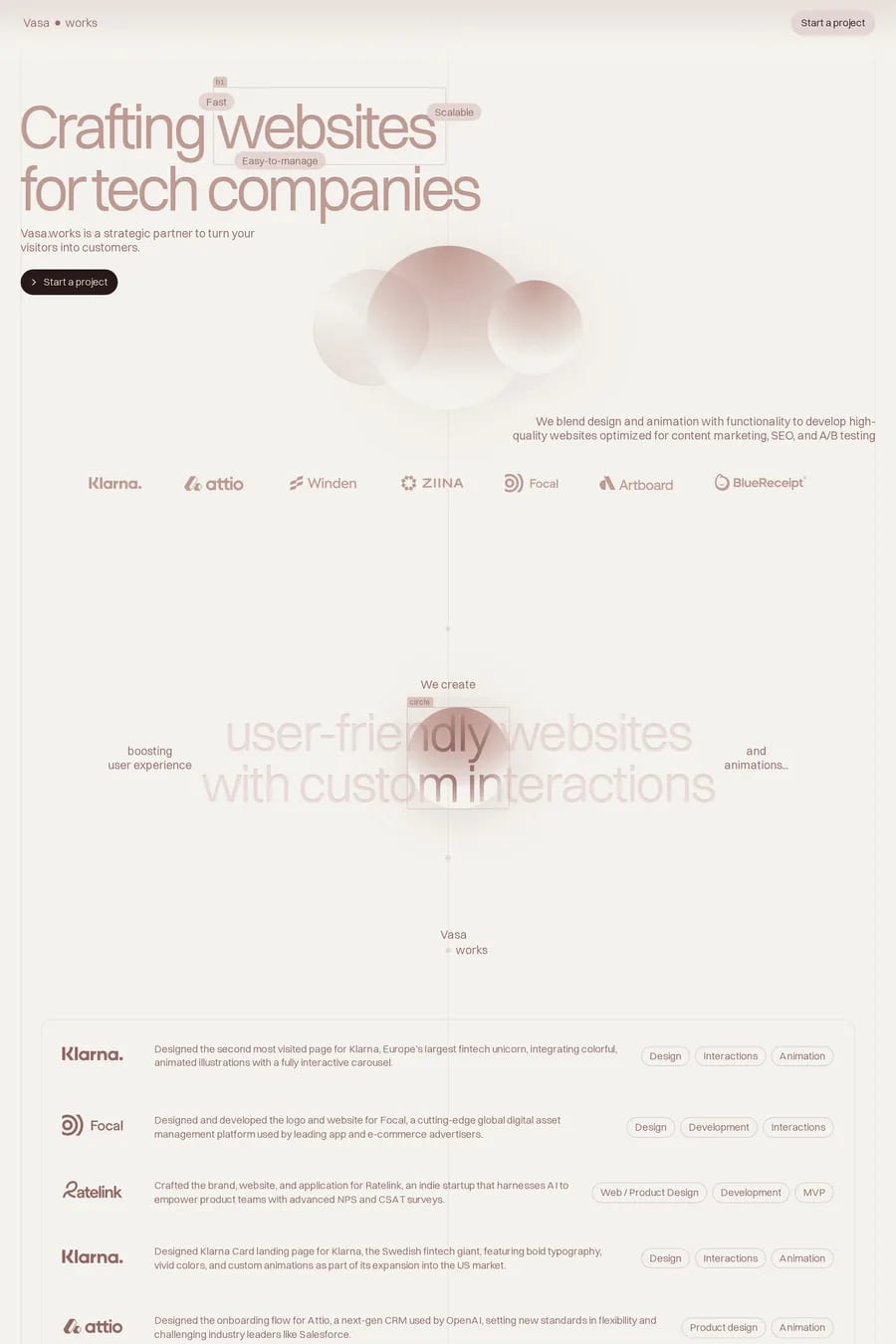
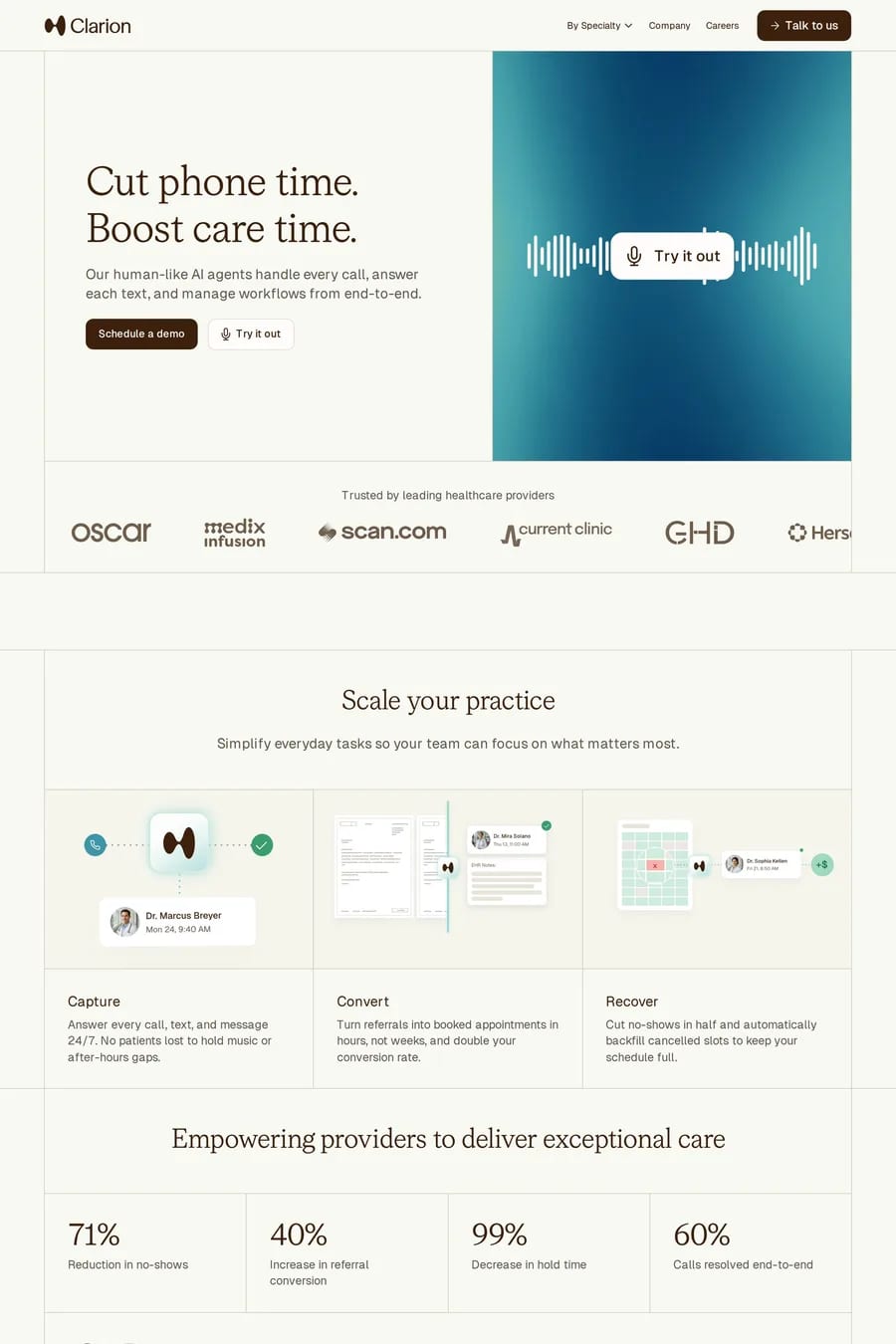
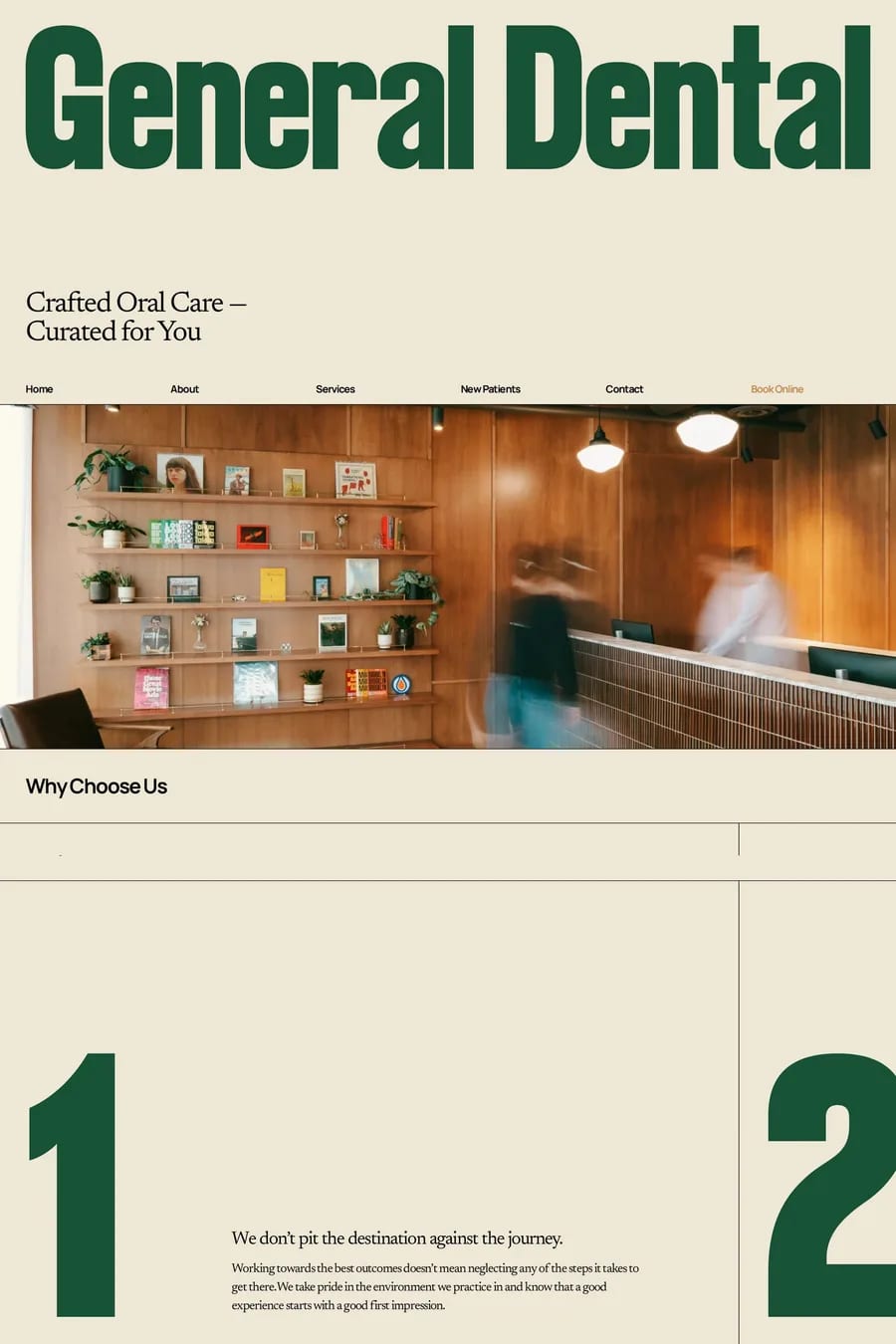
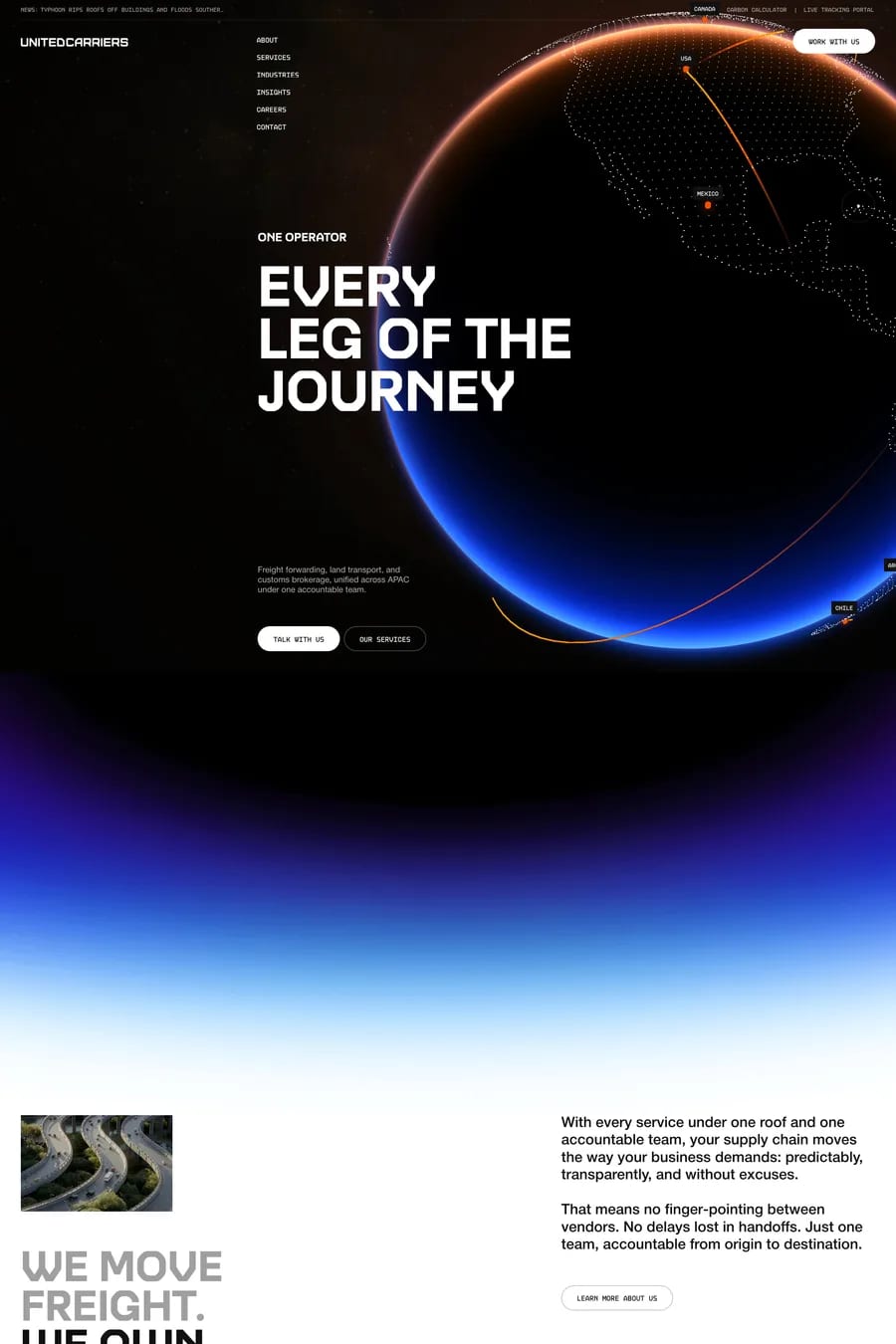
Webflow excels at landing pages, portfolios, agency sites, and CMS-driven content sites with its visual animation tools and flexible CMS. It’s less suited to complex web applications requiring authentication, database logic, or heavy server-side processing — those use cases push toward a framework like Next.js. Webflow’s CMS, while mature, has item count limits and editorial workflow constraints that show up on very large content sites. The platform is best understood as the most powerful tool available for the marketing-and-content website category, not as a general-purpose web application platform.
Different mental models. Webflow is built around the CSS box model and class-based styling, which feels natural to designers from a web development background. Framer is built around components and variants, which feels natural to product designers from a Figma background. Both platforms can produce essentially the same kinds of websites — landing pages, portfolios, marketing sites — and the choice usually comes down to which mental model the designer already holds. Framer is currently growing faster, particularly among product designers; Webflow remains the broader platform with more mature CMS, e-commerce, and learning resources.
Very well. Webflow generates clean HTML at build time, meta tags and structured data are configurable per page, automatic sitemaps are built in, and the rendered output is indexed by search engines as cleanly as any traditional HTML site. Performance depends largely on how the designer uses the platform — heavy animation, large unoptimised images, and excessive third-party scripts can hurt page speed scores even on a well-built Webflow site. Used carefully, Webflow sites achieve performance scores comparable to hand-built sites; used carelessly, they bloat like any other CMS-driven site.
Webflow has tiered plans starting around $14/month for basic sites and rising to $39+/month for sites with CMS, custom domains, and increased item limits. E-commerce plans add roughly $29–74/month on top. Compared to Squarespace it’s slightly more expensive at the entry level and broadly similar at the higher tiers. Compared to Framer it’s also broadly comparable. The total cost of ownership is typically lower than hiring a developer for a custom build, particularly when factoring in design iteration speed.
The platform has been investing heavily in AI-assisted design tools, expanded localisation features, more powerful logic and form-handling, and improved e-commerce. Webflow has faced increased competition from Framer, particularly in the portfolio and landing page categories, which has accelerated its product development. The platform remains the most mature and powerful option for design-led marketing sites, with the deepest learning resources and largest community. It continues to dominate the agency-built websites category despite Framer’s growth.