New MCP server: A1 is now in your AI agent →

5 best Framer portfolio templates for designers

Discover the best Framer designer portfolio templates for 2025. Stand out, showcase your work, and impress potential clients with these high-quality and modern Framer templates.

Bryn TaylorBryn Taylor·27 May 2025
Screenshot from 5 best Framer portfolio templates for designers

A portfolio template is a starting point, not a destination — the best ones give you a structure confident enough to work within and flexible enough to make your own. Framer has become the default for designers who want that without writing code: the animation system is native, the CMS handles case studies without external dependencies, and the output is fast. These five templates are the ones worth starting from if you're building or rebuilding a designer portfolio in 2026.
OffsetOffset mobile

Offset

The dark/light mode switching follows OS preference by default, which removes a decision from the visitor. The layout is grid-based and disciplined — projects are presented without thumbnails cluttering the index, which forces the project names to carry the weight. There's an austerity to it that either suits your work or doesn't. If you're confident in your project titles and the work itself is strong enough to lead, this is the right frame.
Jacob TurnerJacob Turner mobile

Jacob Turner

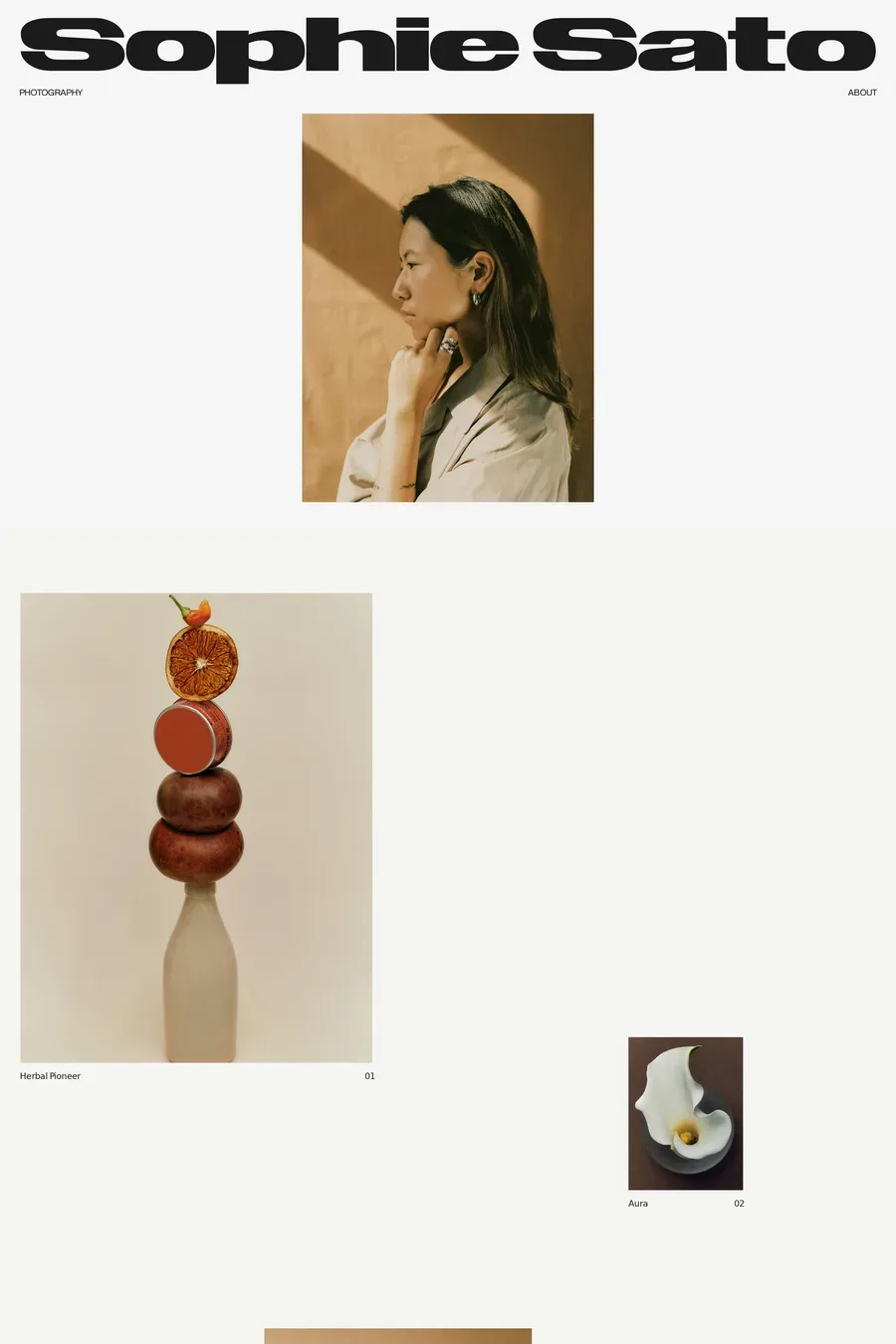
Built for people whose work is large — full-bleed video covers, cinematic section transitions, a typography scale that runs display-size throughout. The tradeoff is that it's harder to adapt for UX or product work; if you're not leading with visuals, the layout works against you. For art directors with strong imagery it's one of the more confident starting points on Framer. The opening sequence in particular is worth spending time with before deciding if it's the right fit.
WynnWynn mobile

Wynn

Large typography at every scale, which works when there's something worth reading. The colour system is configurable rather than fixed, which matters for brand designers who want to push it into their own palette rather than working within someone else's choices. The grid breaks intentionally on mobile in a way that most templates don't bother engineering — it feels designed rather than adapted.
SharpSharp mobile

Sharp

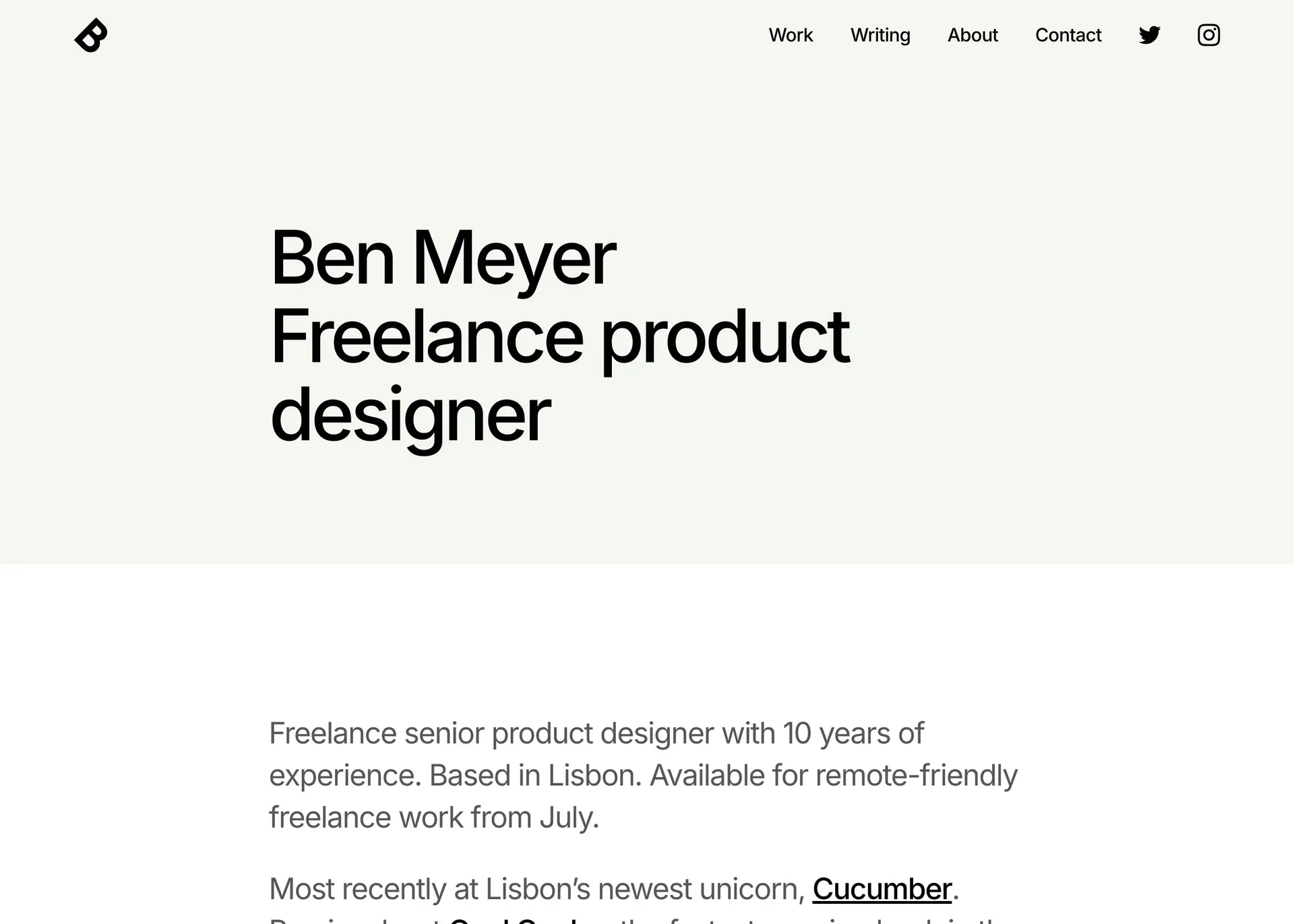
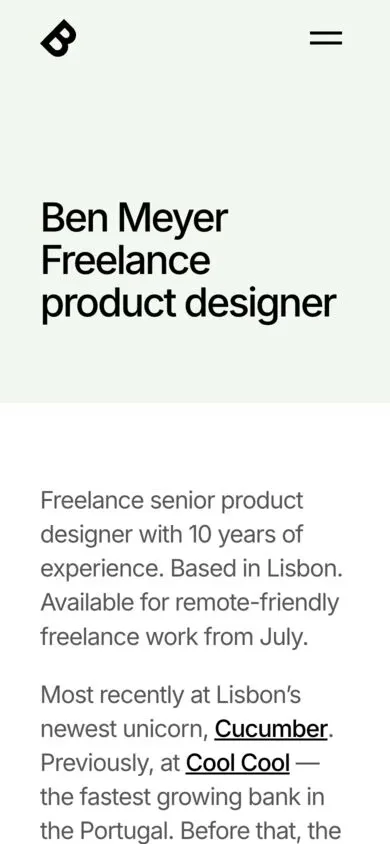
The name is literal. Navigation to three items, type set tight, whitespace doing the structural work throughout. Case studies get a consistent page structure — brief, process, outcome — which imposes a discipline that most portfolios resist. It's not the most expressive template, but it lets the work lead in a way that more characterful ones often don't. Suited to designers who have strong process work to show.
OpaqueOpaque mobile

Opaque

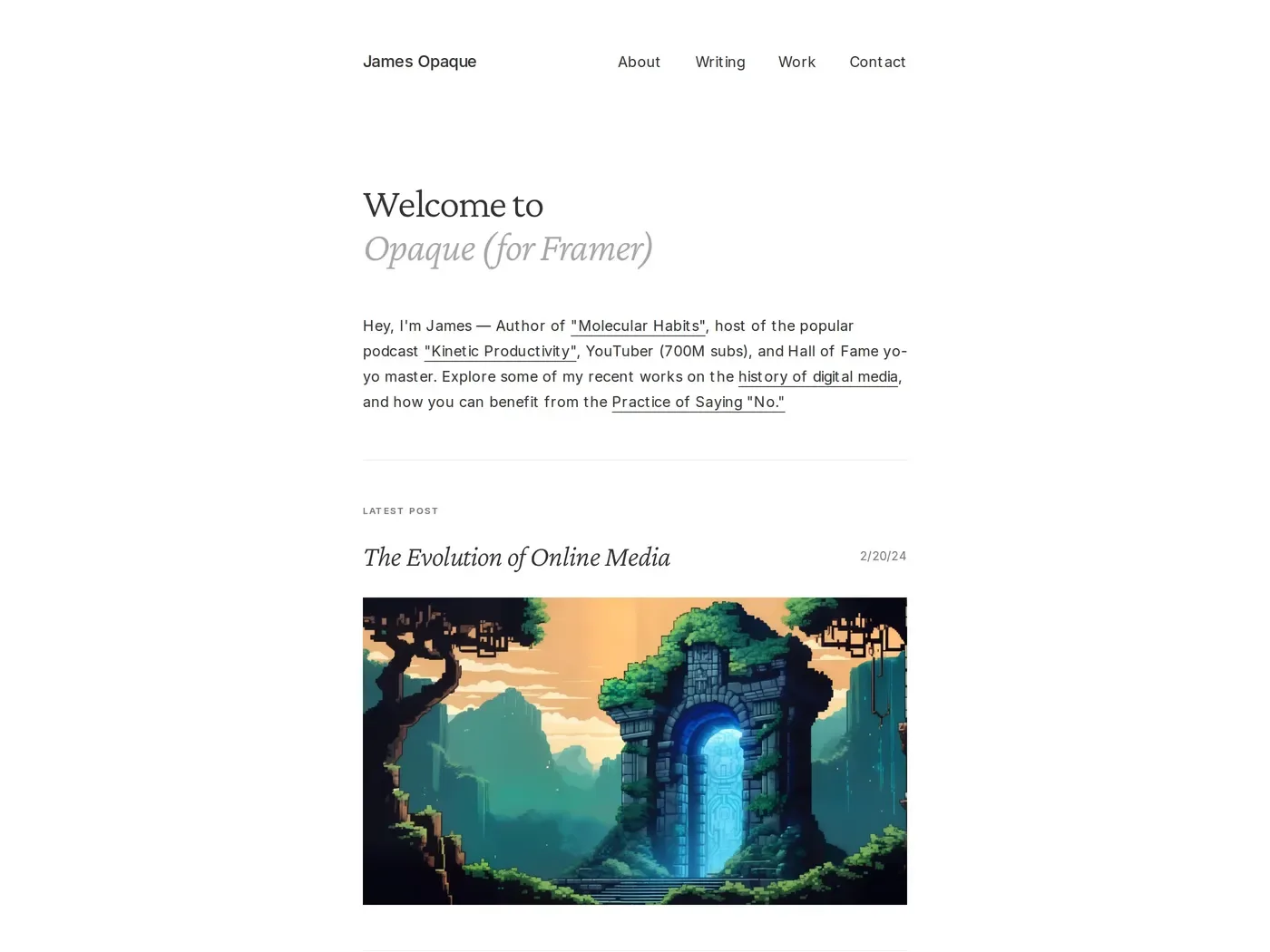
The blog integration is built in rather than bolted on — the reading experience uses proportional text, comfortable line lengths, nothing competing for attention. For designers who write regularly, this is rare in portfolio templates: most treat writing as secondary, forcing it into the same card grid as case studies. The light mode is the stronger of the two; the dark mode loses some of the editorial quality.

Each of these Framer templates offers something distinct, whether you prioritise editorial structure, bold visuals, or a clean minimal aesthetic. Pick the one that best reflects your working style and let the work do the talking.

Frequently asked questions

What are the best Framer portfolio templates for designers?

Offset is the most disciplined — a grid-based layout that removes thumbnails from the index and forces project names to carry the weight. Jacob Turner is the most visually ambitious: full-bleed video covers and display-scale typography throughout, suited to art directors with strong imagery. Sharp is the most structured — a consistent brief/process/outcome format for case studies that imposes a discipline most portfolios resist. Each suits a different kind of practice.

Why do designers use Framer for portfolio templates?

Framer’s animation system is native rather than bolted on, which means transitions and interactions don’t require third-party plugins to feel polished. The CMS handles case studies without external dependencies, and the output is fast by default. For designers who want full visual control without writing code, it’s become the standard — the templates reflect that with layouts that would be difficult to achieve on more constrained platforms.

Which Framer portfolio template is best for a UX or product designer?

Sharp is the strongest choice for UX and product designers — the case study structure (brief, process, outcome) matches how product work is typically documented, and the restrained layout keeps focus on the work rather than the container. Offset works well too if your project titles are strong enough to navigate without thumbnails. Avoid Jacob Turner if you’re not leading with large imagery; the display-scale layout works against product work that relies on annotated screens and process documentation.

Share post

Get the 10 best sites in your inbox weekly

1,550+ designers get inspired every Tuesday

Wedge
Navattic
Shed